

FableVision Learning Spotlight Blog
Categories
- Animation-ish 42
- Books 21
- Civics! 2
- Classroom Spotlight 17
- Conferences and Events 20
- Creative Educator 3
- Creativity 25
- Distance Learning 13
- Dot Day 22
- FabClassroom 28
- FabFriday 19
- FabMaker Studio 66
- FabMaker Studio Classroom 13
- FableFive 7
- FableVision Games 3
- Free Educator Resources 36
- HUTCH 1
- Home Activities 5
- In the Classroom 34
- In the News 11
- International Dot Day 23
- Ish 1
- Library 1
- Mapping the World by Heart 7
- Paul Reynolds 10
- Peter H. Reynolds 54
- Professional Development 9
- STEM/STEAM 20
- Storybook Academy 2
- Teacher Spotlight 14
- The Dot 17
- The North Star 2
- Words and Their Stories 1
- Zoombinis 3

Denver and Boston-based Nonprofits Announce Partnership and Grants to Accelerate STEM Learning in Schools Across U.S.


A consortium of organizations in Denver and Boston have announced a new partnership between mindSpark Learning and FableVision Learning to provide students with earlier access to quality STEM education. The two groups are offering a match grant program supported through the Morgridge Family Foundation (MFF) and the Reynolds Center for Teaching, Learning and Creativity (RCTLC).
Denver-based mindSpark Learning — a nonprofit providing innovative professional learning and development nationwide for educators, by educators — and FableVision Learning — a Boston-based K12 educational media and software provider offering creative learning tools, resources, and support — are excited to partner in the Fab@School Match Grant Program.
This grant provides a match of $1,750 per school, supplying each site with:
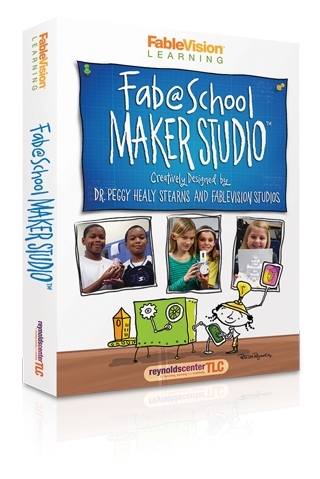
A year-long school site license for Fab@School Maker Studio web-based, digital fabrication software program — compatible with Mac, Windows, iPad, Chromebooks, and other mobile devices
Digital fabricators
Virtual professional development — overview of the software tools, as well as support for curriculum integration
Significantly discounted annual software license renewals
Interested schools and districts are encouraged to apply for the grant by reaching out to the Reynolds Center (TLCgrants@reynoldsTLC.org).
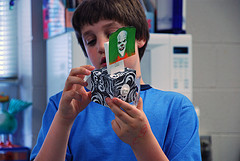
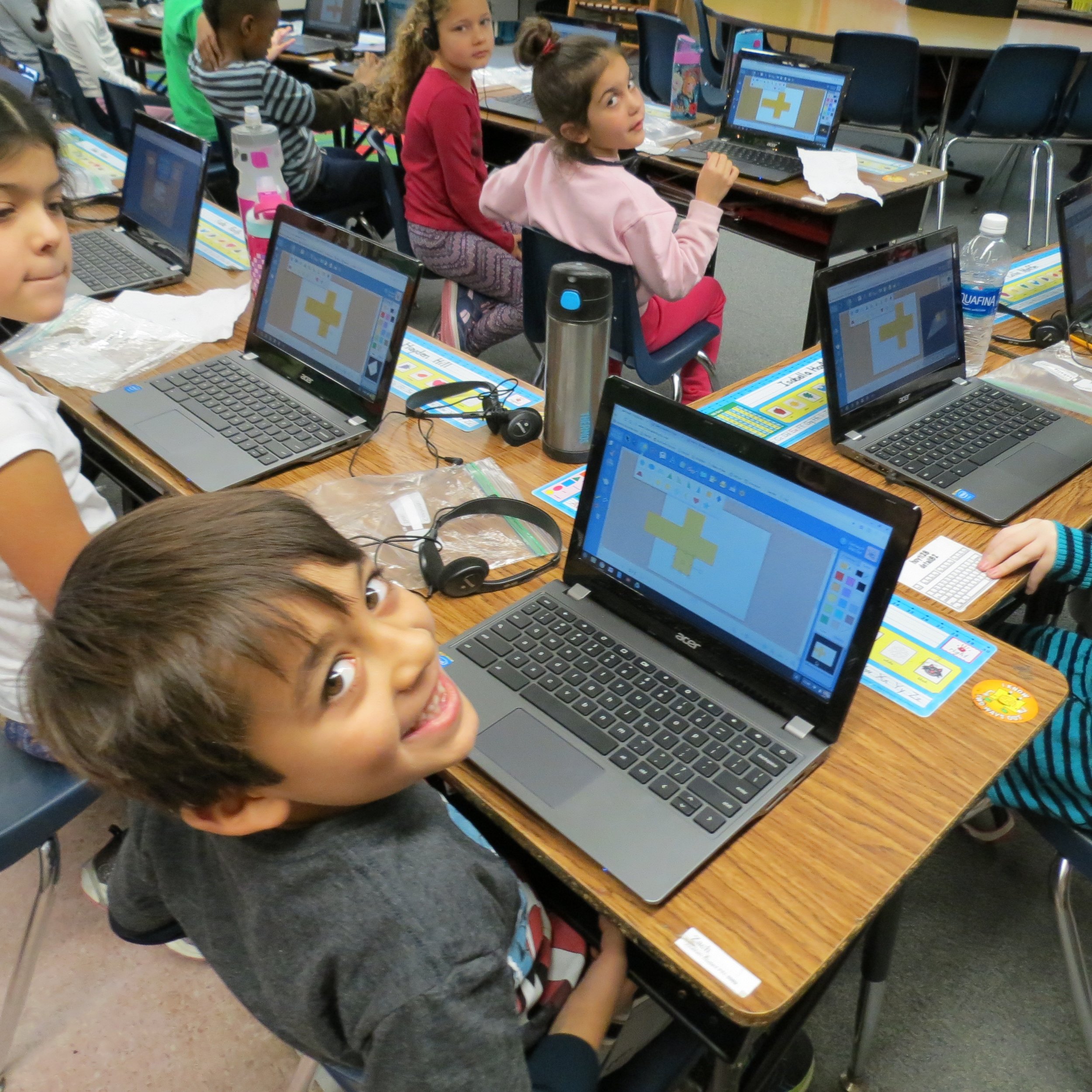
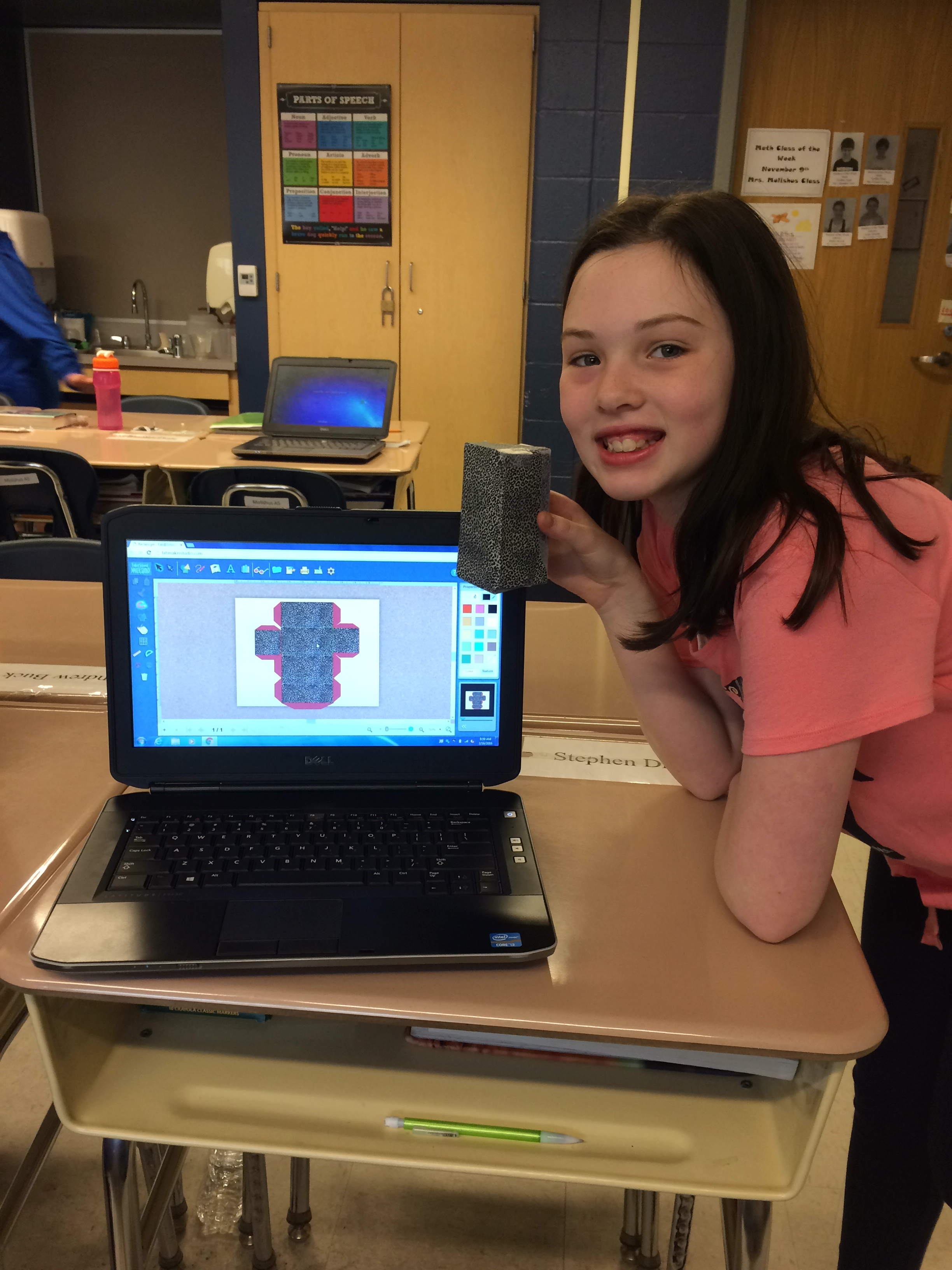
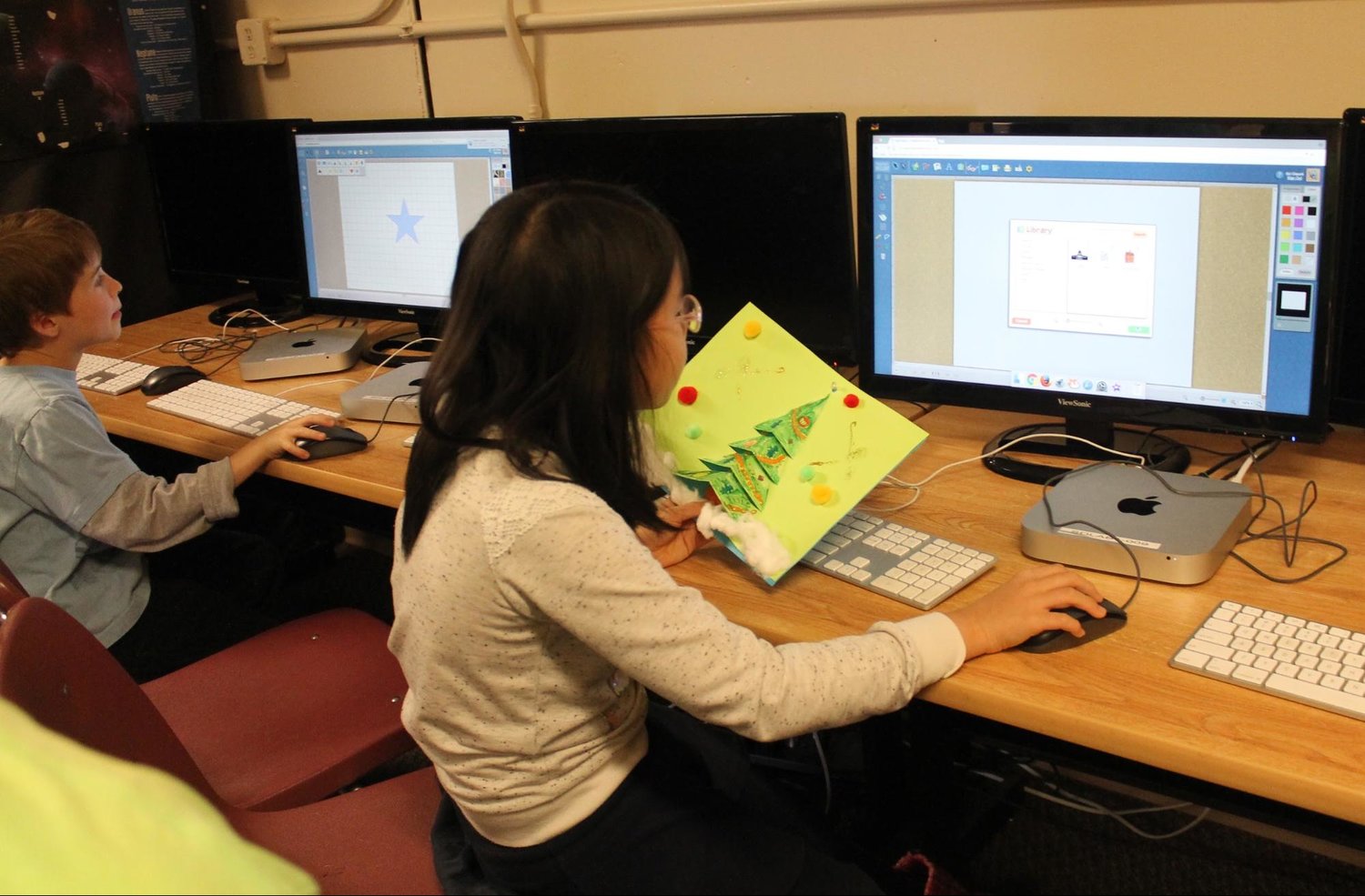
The Fab@School Match Grant program is designed to accelerate STEM education in schools and libraries across the country by combining professional development and teacher support with a research-based digital design and fabrication software platform.
This grant opportunity is helping provide solutions to the challenges around effective STEM learning, a dream envisioned almost a decade ago by another international coalition of research and education leaders, led by the University of Virginia. Launching the Fab@School initiative, the coalition quickly tapped RCTLC to research and develop a key tool for its research program. After five years of research, prototyping, and testing, RCTLC released the Fab@School Maker Studio early last year. The online-program, designed by Dr. Peggy Healy Stearns, is a digital design and fabrication software platform which uses affordable paper-based fabrication hardware.
Designed as a flexible onramp to meaningful STEM/STEAM learning, this online software introduces an engineering process specifically for use in K-8 classrooms. Easily adapted across grade levels, Fab@School Maker Studio tools allow for the creation of step-by-step and ready-made standards-based projects. Student can also recreate and modify sophisticated inventions from the Smithsonian, which was made possible through an Investing in Innovation Fund (i3) grant from the U.S. Department of Education.
Teachers are reporting the impact Fab@School has had in their classroom.

“Project-based learning with Fab@School Maker Studio is a great way to learn as it allows students to become fully invested in their work, so much so that they forget they are even doing ‘school work,’” Maryann Molishus, an educator at Goodnoe Elementary School, Council Rock School District, Newtown, PA said. “I can honestly say that the students are actively and happily engaged in mathematical conversations at a fifth grade level and more!”
By introducing STEM teaching and learning much earlier on in schools, Fab@School aims to spark critical interest in STEM studies, and prepare students for the careers of the future. According to the U.S. Bureau of Labor Statistics, by 2020 jobs in the STEM field will have grown more than 18 percent over the previous decade; however, the current education system is struggling to produce enough qualified STEM graduates to fill those jobs.
The President’s Council of Advisors on Science and Technology (PCAST) — an advisory group of the nation’s leading scientists and engineers — warned, “It is important to note that the problem is not just a lack of proficiency among American students; there is also a lack of interest in STEM fields among many students. Recent evidence suggests that many of the most proficient students, including minority students and women, have been gravitating away from science and engineering toward other professions. Even as the United States focuses on low-performing students, we must devote considerable attention and resources to all of our most high-achieving students from across all groups.”
The good news is that Fab@School is already reporting measurable progress in meeting this challenge. Research pilots, funded by the Noyce Foundation, demonstrated Fab@School’s efficacy in shifting students’ attitudes about STEM education, including a 30 percent increase in interest in STEM learning after eight weeks of using the software program.
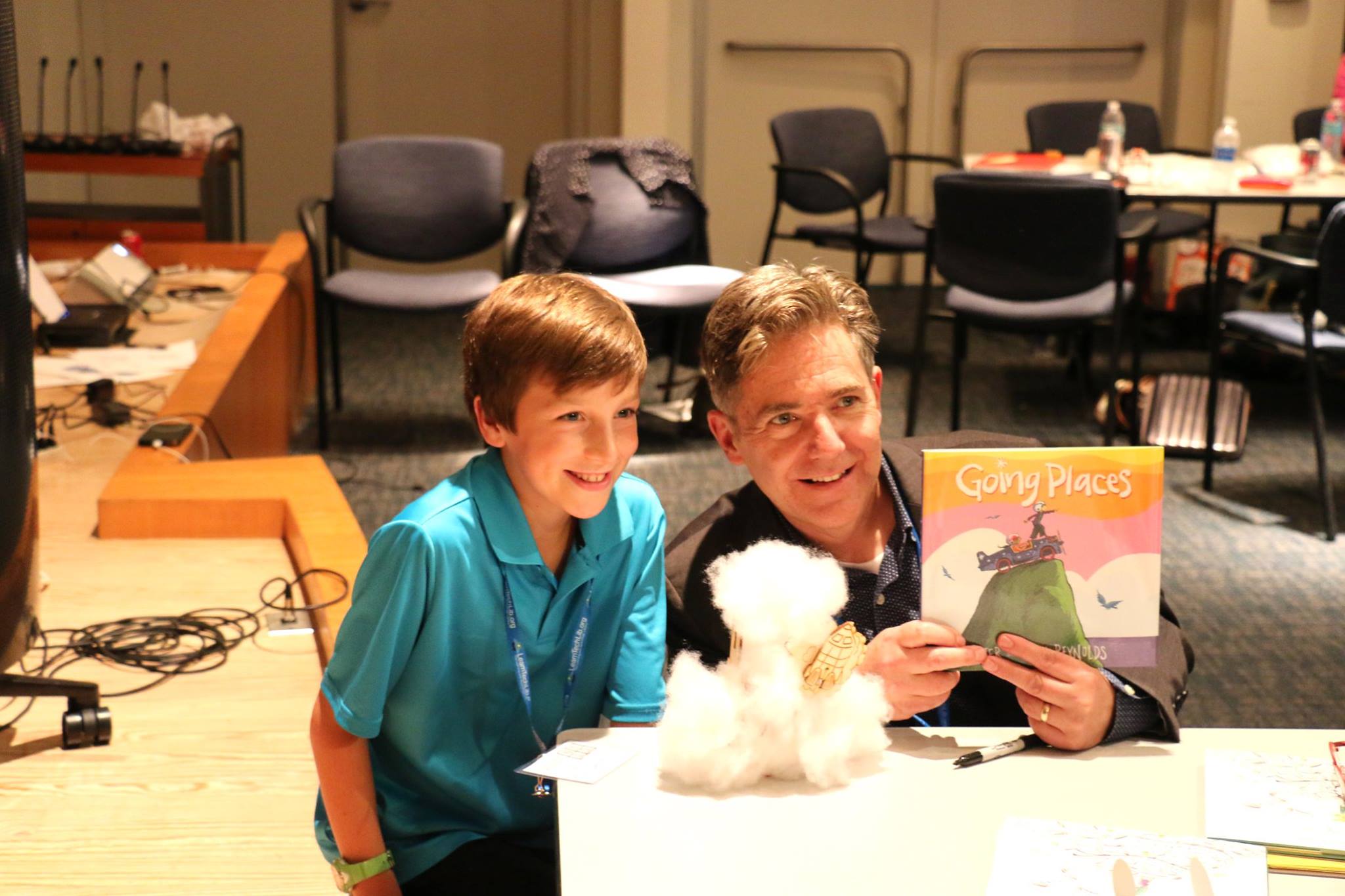
“It’s gratifying to be part of a national initiative that’s really moving the meter on STEM education,” Reynolds Center Founder Paul Reynolds notes, “Since Fab@School is committed to equity and access around STEM opportunities, it’s critical to have partners like mindSpark Learning and Morgridge Family Foundation who can help provide support and funding to give all schools a chance to use the Fab@School program, especially those who may be economically disadvantaged.”
Earth Day 2017: A Day for Awareness & Protection (...& Animation-ish Fun!)
Did you know that more than 100 billion pieces of junk mail are delivered and thrown away again in the United States each year? Saturday, April 22, is Earth Day, a time to recognize and protect the precious environment that is all around us.
The team at FableVision Learning - lovers of the environment - gathered some fun facts about the holiday, and ways to help preserve our Earth on April 22, and every day. And while you’re at it, you also can have your students visually represent Earth Day with Animation-ish - an easy-to-use animation software tool - to show what they know!
When Earth Day was started on April 22, 1970, the impact of the movement resulted in 20 million participants. This day is important to help raise awareness to show how much of an impact we really do have on the environment by every little move we make. Now 47 years later, the question is still: How can we start going more GREEN?
1. Recycle! Take the time to talk to your school's principals to discuss a recycling system in your school if you do not already have one. According to the Recycling Revolution site, recycling one piece of aluminum can save enough energy to watch 3 hours of television! Moreover, it will take less energy (90% less) to physically throw your aluminum in the recycling bin than to manufacture brand new ones. If we start recycling more paper like we should, we will begin to save one quarter of a billion trees each year.
2. Use less water! That five minute shower compared to a three minute shower makes all of the difference. You would not believe that the average person uses about 12,000 gallons of water each year! This Earth Day, let’s be aware of the water we are using so that we can save it in the long run.
Want to know how the water cycle actually works? Check out this sweet animation to the left made with Animation-ish!
3. Stop littering! Each year, 14,000,000,000 pounds of garbage are thrown into the oceans, according to National Geographic. Of this, the plastic kills at least 1 million animals/creatures each year who find their homes in the ocean. Let’s take the time to save our precious animals!
Let’s take a look how students around the world have used Animation-ish to show how they celebrate this special day...
Now you can really see how Animation-Ish is out of this world!
Did your students create "out of this world" Earth Day animations?! Share it with the FableVision Learning Team via Twitter @FableLearn, or via email: info@fablevisionlearning.com
Happy Earth Day 2017!
Mapping the World By Heart Teacher Spotlight: Jim Dowd
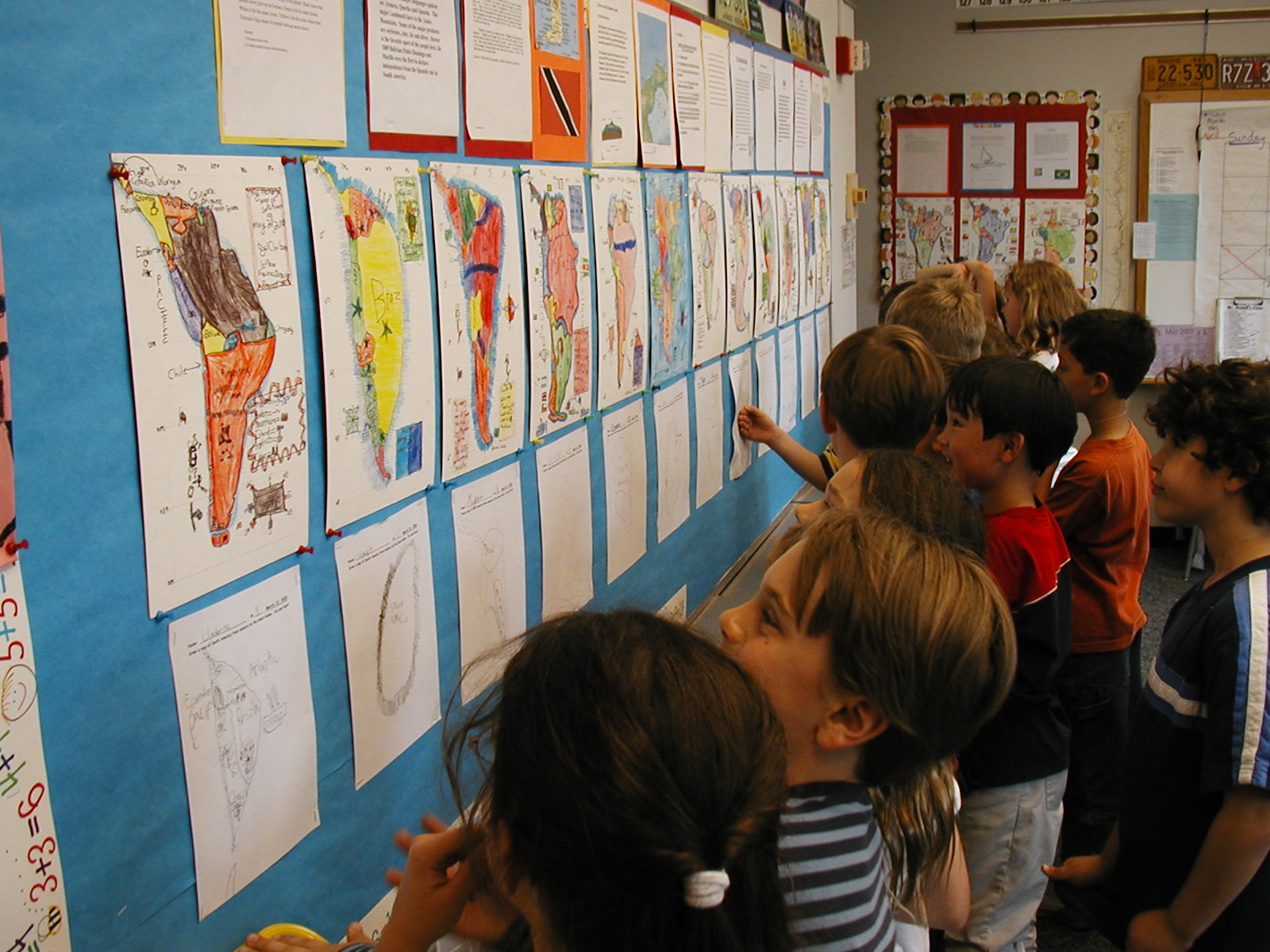
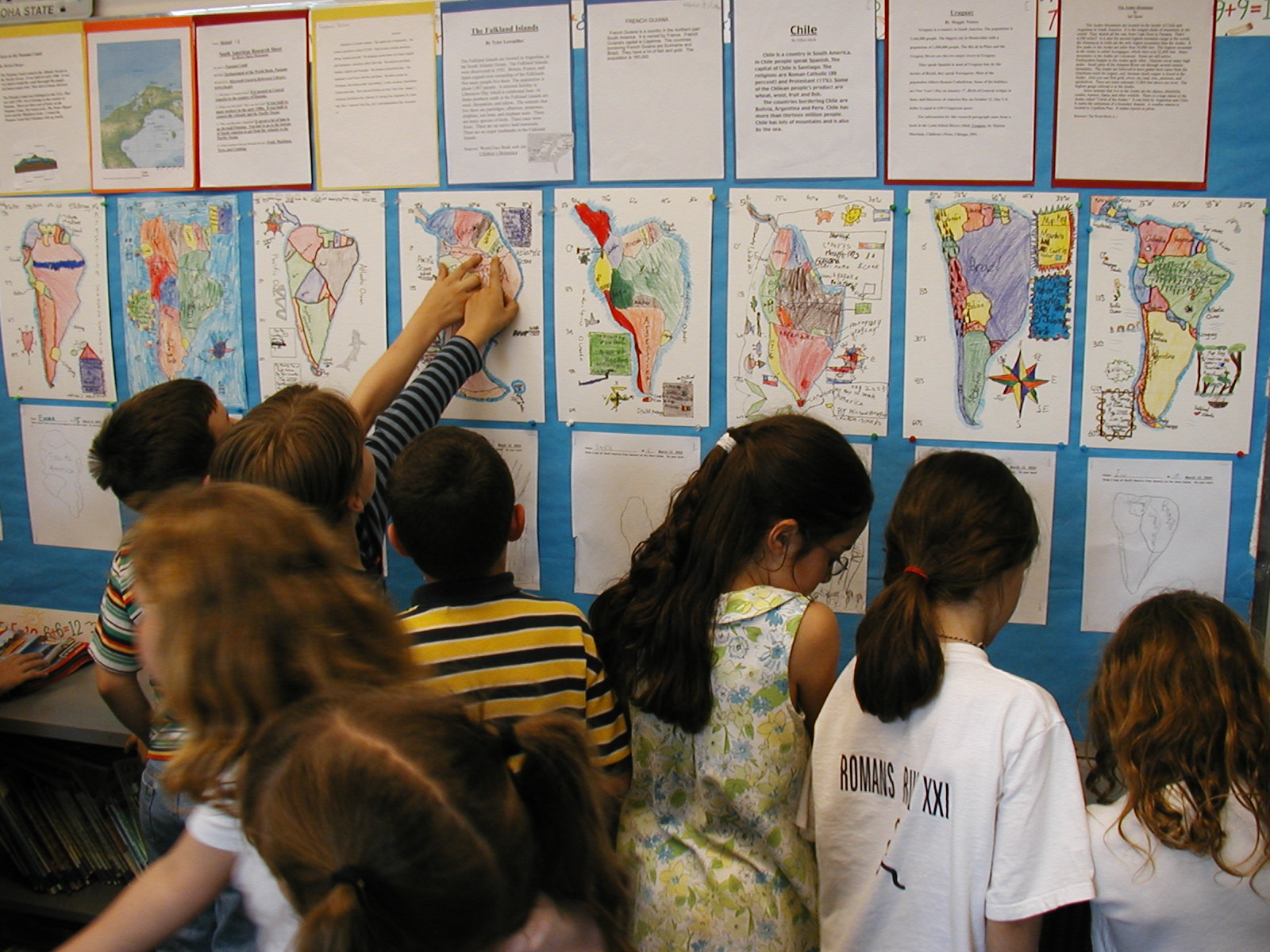
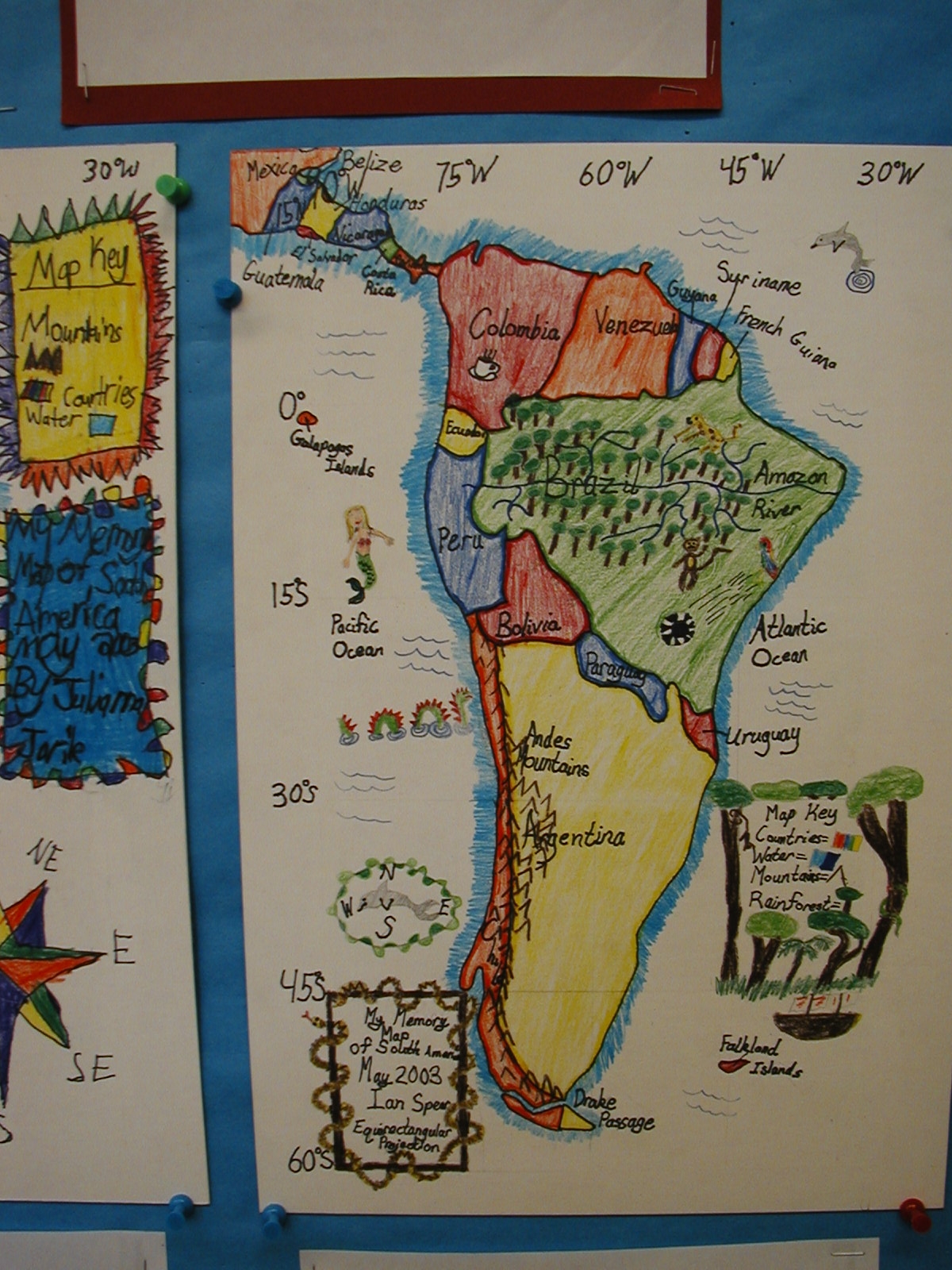
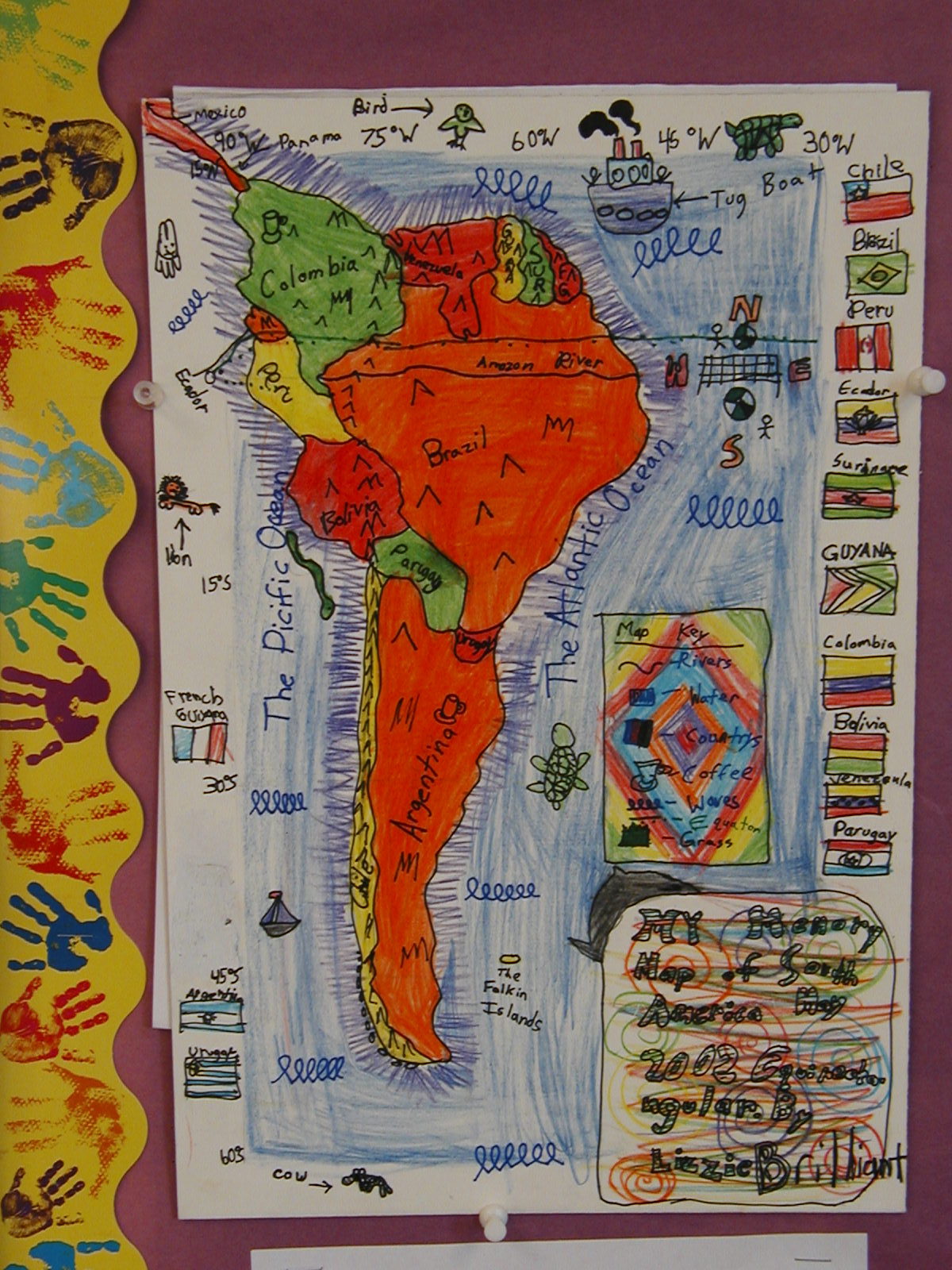
The world seems strange and unimaginably big, but Jim Dowd has found ways to inspire his students to make the world seem that much smaller. This surprised even the parents in how effective his geography lesson plans worked.
“I would hear lots of feedback like, ‘I could never draw this map myself, and I can't believe that my 9-year old can!’ Parents would often frame the final map boards and hang them up at home,” he said about using David Smith’s Mapping the World by Heart curriculum in his classroom around the globe.

Jim’s teaching career spans continents. Working with the JET Program, he served as an English teacher in Japan. Back in the states he worked for an outdoor education program in St. Louis, MO and as a fourth grade teacher a Forsyth School in St. Louis, and a second grade teacher at the Latin School of Chicago.
He recently chatted with Fablevision Learning about his experiences using Mapping the World By Heart both in and out of the classroom.
How were you introduced to Mapping the World By Heart?
David Smith came to the Forsyth School in 1997 for a one-day teacher seminar. I had never heard of the program before, but I adapted his Mapping the World By Heart curriculum to fit my fourth grade USA-based social studies program. The students would do a memory map of the USA on the very first day of the year, and then draw all 50 states by memory in May. The difference in their geographical knowledge from September to May was mind-boggling!

Working with your students, you have mapped the world in many creative ways, can you share a bit about the playground world map?
As a PTA member at Don Benito Fundamental Elementary School in Pasadena, CA, I arranged for David Smith to come for an author visit. He met with the entire school and discussed his books and the importance of geography. Then the entire faculty, during a meeting, created the grid for a world Mercator projection map on the playground according to the guidelines in MTWBH.

The next day, students from each class came to draw a section of the world on the map. PTA parents and students then painted in the countries and oceans. After the map was completed, we had an assembly where parents and students born in different countries greeted the student body while standing on their home country. Don Benito has a very diverse student population, and I think we had about 30 countries represented. Teachers have since used the map to teach the locations of continents, oceans, and countries. Playing interactive games on a giant world map is much more engaging than looking at one in a textbook!

You’ve worked with students in elementary and middle school, what is the importance of teaching geography – and mapping – at a young age?
Unfortunately, geography is not studied formally in most schools anymore. Geographical and cultural literacy is so important when understanding the history of a time and place. Students who map the world by heart will know exactly where exactly where countries like Syria and Argentina are, while most adults have no idea.
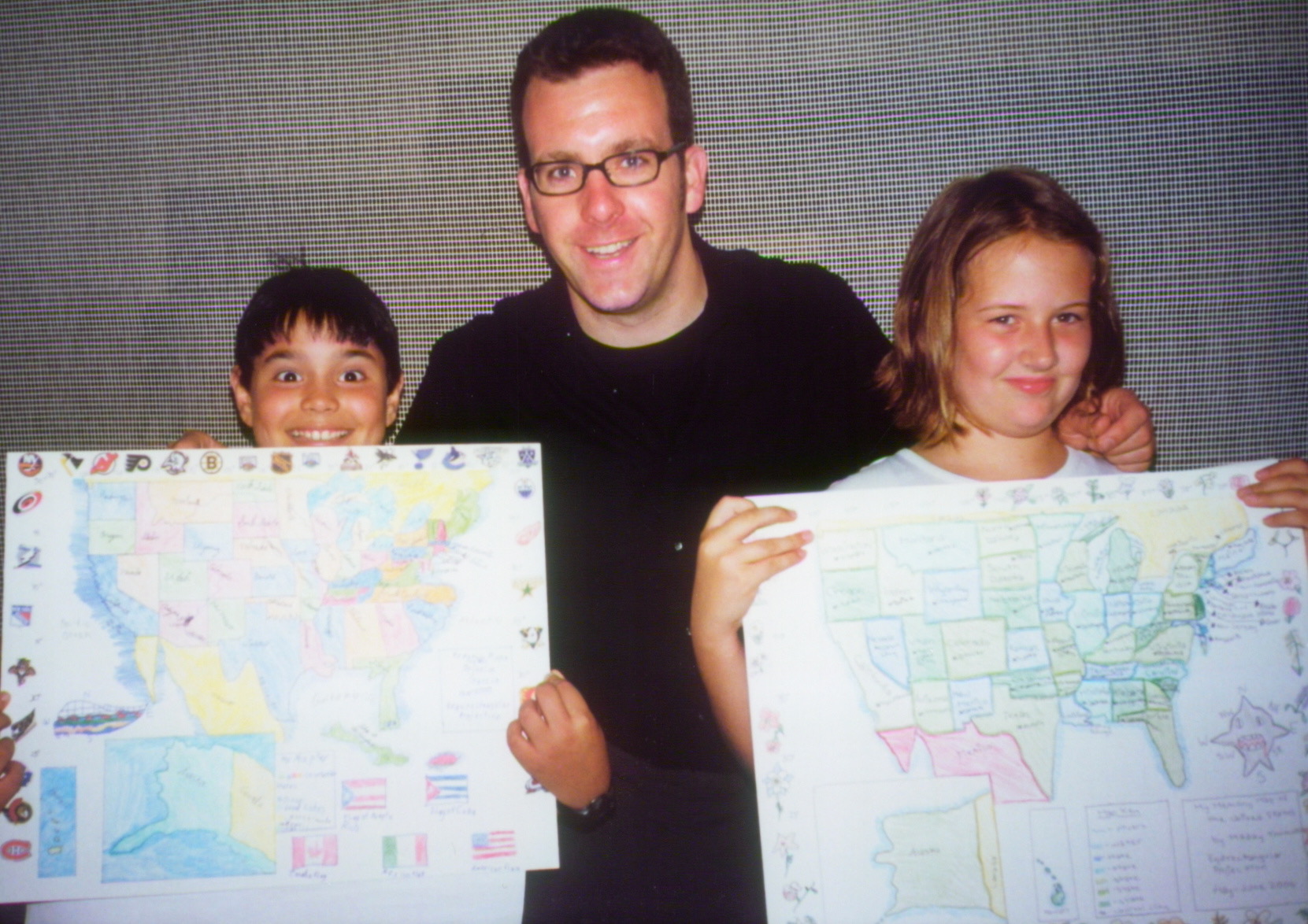
What was one “aha” moment using Mapping the World by Heart?
My "aha" moment was when a students would tell me that they could never draw a section of the world by heart, but 8 months later they could do it. Another satisfying aspect of the curriculum for me was how parents would rave about the final mapping projects.
What’s next?
Now that my kids are approaching middle school, I hope to return to teaching full-time. I will definitely take a job at a school that will allow me to incorporate Memory Mapping to the curriculum, as it is always the highlight of the year!
Would you like to learn more about Mapping the World by Heart? Click, here.
Are YOU – or someone you know - activating any of FableVision’s books, media, and/or software to approach learning in more creative, engaging ways? If you'd like to nominate someone for the FableVision Creative Educator Spotlight, click here and complete your submission electronically.
FABClassroom Spotlight: Kim Slayton, Burnham Brook School

Meet Kim Slayton from the Burnham Brook School in Canterbury, New Hampshire. Not long ago, the school added Fab@School Maker Studio, a digital design and fabrication program, to their school curriculum. Kim and her students have been using the web-based program in art, science, and social studies projects. We asked Kim to share more about how her students were using the tool and how they plan on taking the program to the next step.

As a teacher, you truly encourage your students to Create Bravely. What tips can you share on encouraging creativity in the classroom?
An important tip to encourage creativity is not to panic. If something doesn’t work out the way it is supposed to, don’t be afraid to try again or find another way to solve the problem. Where there's a will there’s a way to work around any problem. It is also important to have a backup plan, in case your original idea doesn’t come out as you hoped it would. Finally, taking notes on what did and didn’t work helps gives the learner a general sense on how to solve the problem in the future.
How are you using Fab@School Maker Studio in the classroom?
We use Fab@School Maker Studio in art class for making sculptures, as well as creating boxes to store small art projects. The program is especially helpful in demonstrating concepts in science and social studies. To top it off, I also make paper masks for my dyslexic students, as well as other teachers for their students.
What has been an “aha” moment using Fab@School Maker Studio?
I have a student who, due to birth complications, has only four fingers on one hand. This makes it especially difficult for her to use scissors. She was so excited and amazed when she came across the Fab@School Maker Studio program. She was able to plan and create a very complex paper art project without difficulty [and cut it out with the digital cutter]. It was a great “aha” experience when she finally saw her concept come to life.
You work with learners of all ages and abilities. How have you used Fab@School Maker Studio with every student?
Some of my students have been using Fab@School Maker Studio on their own computers, while others explained what they wanted and I designed it on my computer. Typically, the students sketch out their desired finished product, and then we work together to figure out how to properly place the nets. My students and I have also used some of the 3D Ready-Made projects, such as the castle and automaton, for writing prompts and story mapping.

What is next? Any cool projects in the works!?
The student who has difficulties using scissors really likes horses, so we will be working on building an automaton with galloping horses instead.
Can you tell us a bit about your school?
Burnham Brook is a small private school founded in 1982 by Barbara and Walter Howell. All teachers use multisensory structured language instructions to teach their students. Each student is provided with an experience and then we attach a specific language to that experience. This allows them to take ownership for their learning, as well as develop a deeper foundational understanding of the concepts.
Instead of dividing the students into grades, they are instead grouped together based on their ability and language processing styles. The school consists of students with average, above average, and gifted intelligence. Some students have been identified as having a learning disability, while some have no learning difficulties but weren’t being challenged in their local public schools. All of the same types of classes meet at the same exact time, so if we need to change a student’s group, it would not disrupt his or her overall school schedule.
Is your classroom a FabClassroom? We would love to feature your school in an blog post! To be featured in an upcoming post, send an email to info@fablevisionlearning.com. You can also tweet your photos with the hashtag #FabMakerStudio! For more posts featuring Fab@School Maker Studio, click here.
Mapping the World By Heart Classroom Spotlight: Robin Clements

If you were to map Robin Clements teaching career, it would start and end with 8th grade. Currently an 8th grade teacher at St. Bernard’s School in New York, Clements is a “long-time admirer and even acolyte” of Mapping the World by Heart creator, David Smith. At every school, he has used the geography curriculum, Mapping the World by Heart, in his classroom to teach a number of different lessons besides just the borders of countries.
Clements said he caught the “mapping” bug in the early 1980s when he was headmaster at the Hillbrook School in California.
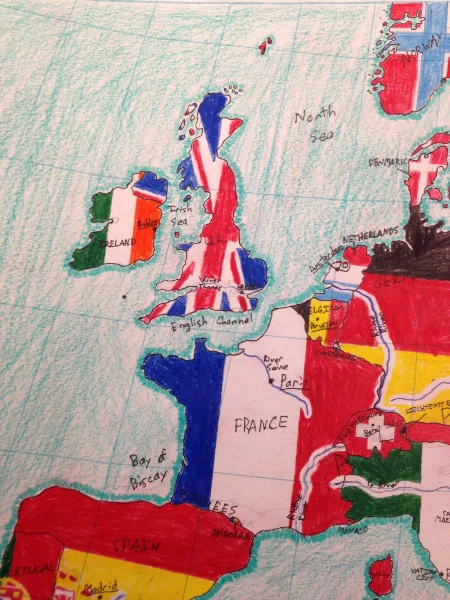
“(I) got the 6th grade teacher on board (and) she took Dave’s program pretty much as packaged for 6th grade history and geography, stretching it out over a whole year, with many activities of her invention to go with each phase,” he explained. They drew Africa as they were reading African folktales from different countries; their study of Asia was part map drawing, part culinary, and so forth. The kids loved it. At the end of the year, they drew the whole world in one mighty day, colored and decorated their maps and took them home to proud parents. It became a staple of our curriculum, a hallmark of our school.”
Moving across the country to the St. Bernard School in New York, Clements he got the green-light to do a seriously modified form of the map for 8th grade history and adapted Mapping the World by Heart to fit the curriculum.
“As the existing curriculum was medieval Europe, I found a conical projection of Europe that by chance included the Mideast, Northern Africa, and the countries of the Caucasus. The map was made into a desk-sized blank by a New York architect (who said getting the latitude right was one of the hardest things she had ever done), and I took the result to a printer, who did a thousand copies on cheap paper and fifty on heavy stock,” he shared. “We are still at it. Boys take about five weeks to learn the whole thing, starting with the water, then populating the blank spots with countries, capitals, mountains, and rivers. The guys get four class periods on successive days to draw and ink it. It took me about 10 years to figure out how to teach it and how to grade it, but I can now do it pretty easily.

You will see that it is not Dave’s pure idea at all, but it’s working well, most of the boys love the break from reading and essay writing, and there are often big surprises—the verbal genius who struggles with spatial relationships, the verbal problem who suddenly blossoms. It’s a different part of the brain. All in all, it’s been a success and I now have almost twenty years of victims to tell me how useful or un-useful it was. The consensus is quite useful in high school, and there are a couple of touching success stories.”
We recently connected with Robin Clements to share a bit about his work with Mapping the World by Heart in the classroom.
Can you share a bit about your career and you current position at St. Bernard's School?
I’ve been teaching just about forever—elementary school, college, high school—and was headmaster of a country day school in California for 21 years. I began with 8th grade as an apprentice at Hawken School in Cleveland in 1965 and it looks as if I’m going to end with 8th grade at St. Bernard’s School in New York. I’m a homeroom teacher with 20 boys and a couple of classes of medieval history, a couple of classes of Latin and a 7th grade geography class, plus all the homeroom stuff.
What is the role of geography in the classroom?

Heavens. It comes into every discussion if you give it time. I’ve got old-fashioned roller maps in a nest of four above the blackboard and I’m constantly changing them and reaching for one or another. In homeroom, we come to the Korematsu case—down comes the map so we can look at Hawaii, since the events started just after Pearl Harbor with a crash landing on Ni’ihau. Then on to the Bay Area, and finally Western Utah, where Korematsu spent most of the war. Pointing to spots on a map is so, well, old-fashioned, and yet I think it helps the boys remember the flow of the story.
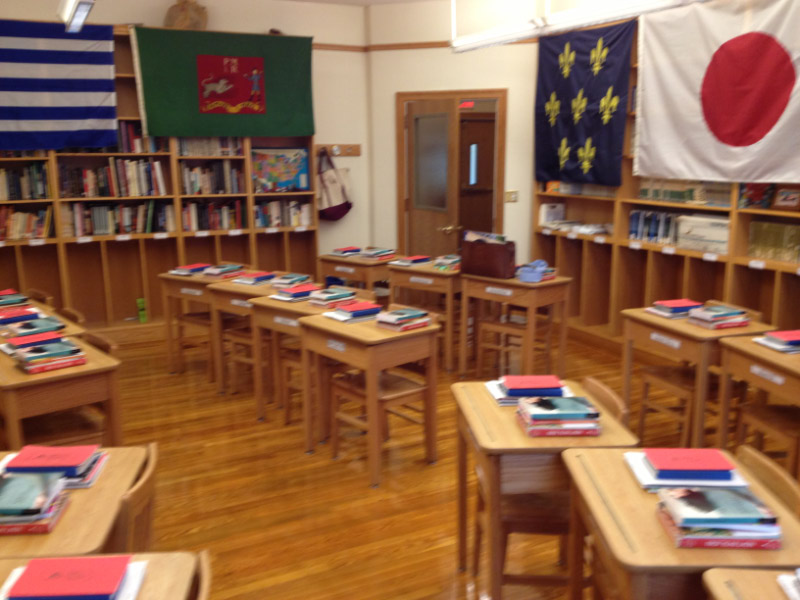
We also have a good Internet connection, and there are endless uses. About how many people are there in Iowa? I have no idea, but Dr. Internet serves up the answer in a flash. One of the boys just wheels his chair around and looks things up. Google Earth is endlessly useful. Drawing the border between Jordan and Iraq raises the question of that little hiccup in the middle of a very straight line. Put it up on the board and let’s zoom in. Oh, look—it’s an airport, and the national boundary moves to keep it in Iraq. Geography ought to be as much part of elementary education as spelling or times tables.
What has been one aha teaching moment with Mapping the World by Heart?

You don’t mean things like “Hungary looks like a chicken,” do you? (And Ireland like a koala bear, and Switzerland astonishingly like a praying Muslim.) How about this: why does the western border of Armenia bend to the east? What is it avoiding? As you draw it, let’s talk about the history of Turkey and Armenia, a murderous hostility that finally deprived Armenia of its national symbol, Mt. Ararat. The whole story is something I knew only hazily before I began to teach the course, but it really pops out as you draw that line, and talk about the post-World War I war between Armenia and Turkey. Boys who draw this line are likely to tuck the story away, I believe.
Are you or someone you know using FableVision Learning’s creative tools for the classroom. We would love to feature them on our blog. If you'd like to nominate someone for the FableVision Creative Educator Spotlight, click here and complete your submission electronically or send us an email at info@fablevisionlearning.com

Dedham is home to one FAB Library!
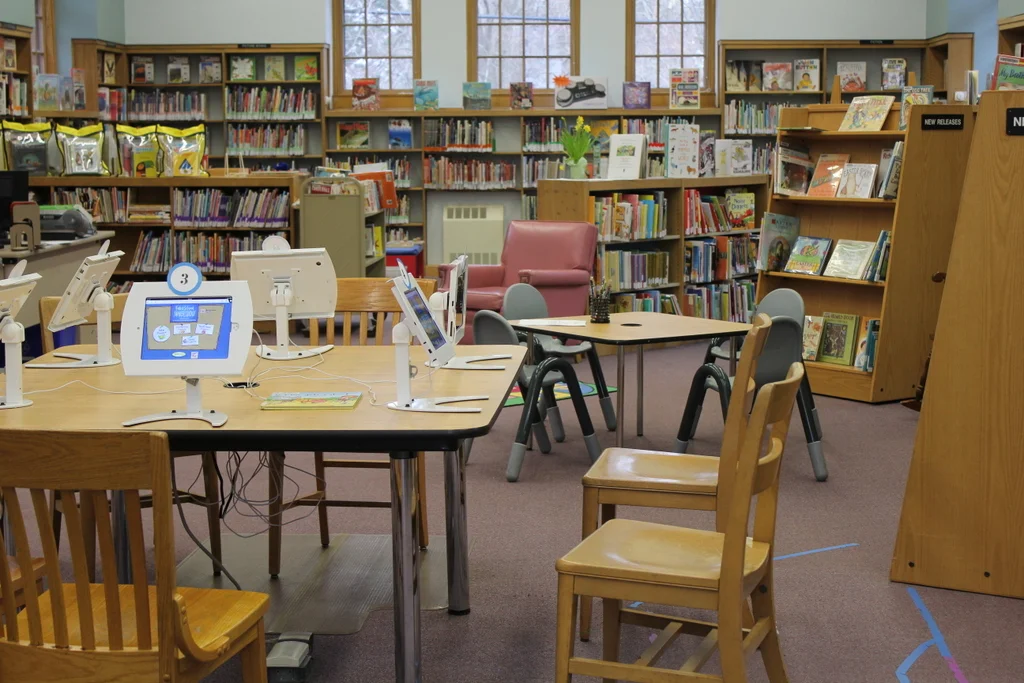
Huddled around a computer, kids excitedly watched as their ideas became digital designs. On Friday, March 24, kids of all ages joined a Fab@School Maker Studio workshop a the Dedham Public Library and got hands-on with digital design and fabrication. From dog masks to personalized boxes, these children learned the design process in the library makerspace by means of 3D and 2D printing.

Dedham Library Innovation Team (DLIT), the award-winning library advocacy group dedicated to creating modern libraries in Dedham, MA, generously donated a Fab@School Maker license to the library. This donation allows residents to work with the digital fabrication program in the library’s makerspace, or check out the technology to use at home. FableVision Learning is happy to help with DLIT’s initiative to provide more people access to amazing, innovative technology and lessons that can be of use to children outside of the classroom.

Friday was the introduction of this new product at the library, and the FableVision Learning team join the celebration by letting children try it out. During the workshop, kids of all ages, altered ready-made projects and tried their hand at fabricating their own.
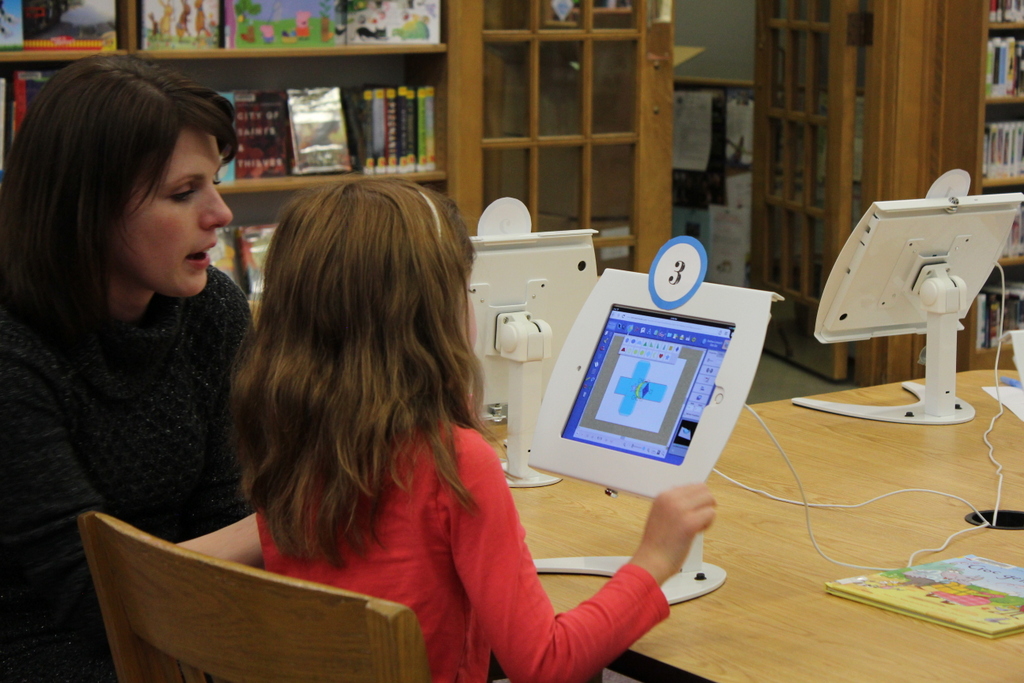

Fab@School Maker Studio particularly made an impression on one little girl, Eliza, who was eager to create her own ninja mask. But there wasn’t a pre-made mask! This didn’t stop Eliza; she went right over to the computers and started mapping out a new design - all on her own. And, not surprisingly, at the end of the workshop, she walked away with her mask. This story shows that this creative generation of kids don’t have to stick to the guidelines of already designed layouts - they can venture out and create their own unique designs as well. That is truly the beauty of Fab@School Maker Studio!
Local? Try it out at the Dedham Public Library today. Want to bring Fab@School to your public library or makerspace? Send an email to the team at info@fablevisionlearning.com or give us a call 800-828-0017.
Resources & Reviews: "Happy Dreamer" At Your Local Bookstore Today!

FableVision founder and New York Times best-selling author/illustrator, Peter H. Reynolds, believes in self-expression and staying true to oneself. In his newly released book, Happy Dreamer, - out today - Peter celebrates what it means to be a dreamer.
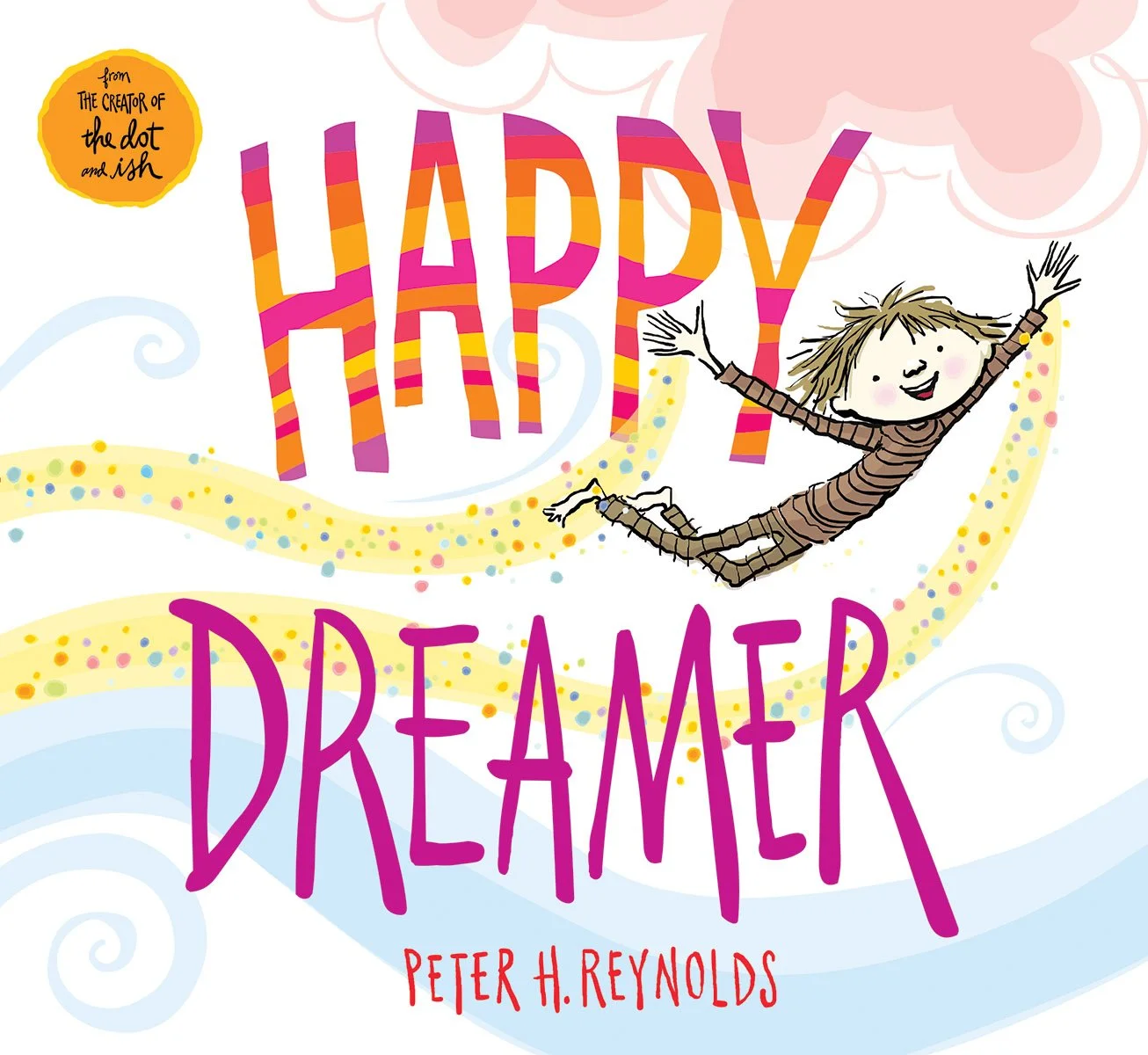
“I wrote Happy Dreamer for kids (and grown up kids) like me,” he said in a recent blog post. “This really is my story. A peek inside my mind to share how my brain works in its own wild and wonderful way… I wanted to send out a hopeful message that kids who are diagnosed with ADD or ADHD that they have a gift, not a label. That their minds are very special. That they are "delightful dreamers." Their brains are capable of being flexible, generous, nimble, and inventive. Their kind of thinking is to be understood, nurtured, accommodated and CELEBRATED!
As the book hits the shelves of your independent bookstore, we’ve collected a few resources and reviews for you to check out:


- Book Trailer from Scholastic: Happy Dreamer by Peter H. Reynolds -
**Are you interested in becoming a Happy Dreamer? Hop on over to The Blue Bunny Toys & Books in Dedham Square or check out your local bookstores. HAPPY DREAMING!
Teacher Spotlight: Anne Turner, Kindergarten Teacher at North Tama County Community School

Every day is a new adventure for Anne Turner. As a kindergarten teacher at North Tama County Community School in Traer, Iowa, she encourages hands-on, active participation in her classroom with STEM (Science, Technology, Engineering, and Math) at the center of her lessons.
“I love creating new things, whether it’s new STEM centers at school, books with my students, or crafts at home,” she says. “Every day is a new adventure!”
Her love for creating new things sparked an innovative nature that she uses while teaching her kindergartens. Whether it’s producing books, developing STEM centers, or making arts and crafts, she says that hands-on, experiential learning is the way to go.
For the Teacher Spotlight, Anne, a FableVision Learning Ambassador, recently shared her favorite things about being a teacher, how she applies Stationery Studio in the classroom, and how she and her students had a blast on International Dot Day 2016!

Tell us about your classroom; what is a typical day like?
My kindergarten classroom is full of fun! A typical day starts with morning meetings and welcomes. We then get the opportunity to explore different STEM centers. We do many book read-alouds throughout the whole day and this will start a new learning adventure! We focus on literacy and math throughout the day as well, connecting everything together and creating hands on fun… In the afternoons, we focus on Daily 5 and guided reading centers that encourage our independence as young readers and writers!
Daily 5 are centers we rotate through that help us learn on a more individualized level. Each child rotates through guided reading (individual work with Mrs. Turner), read to self or to someone else, listen to reading, work on words, and work on writing. These centers can include activities from our STEM investigation, or working on our leveled readers and things we struggle with. The kids go at their own pace and include their own interests!
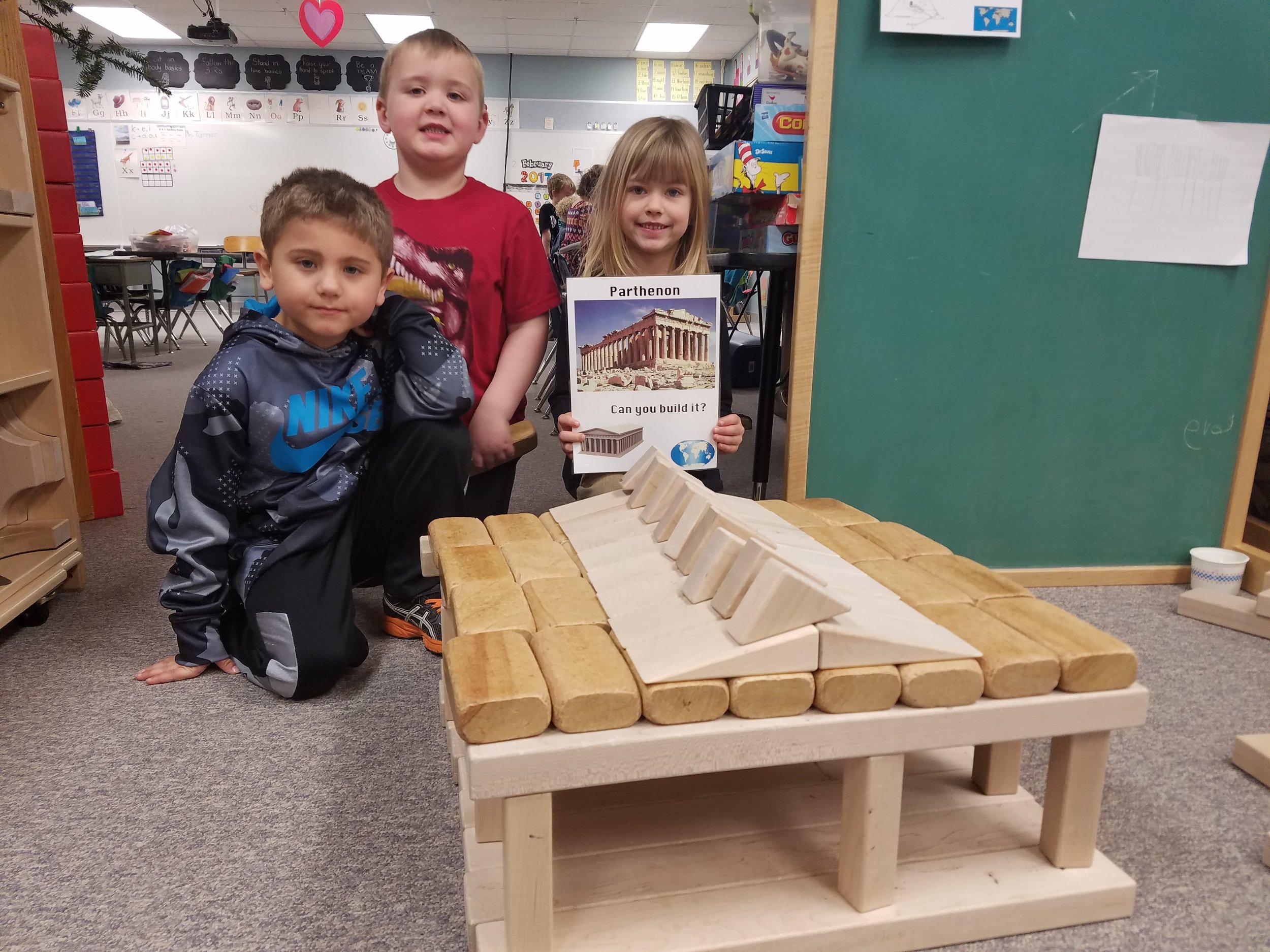
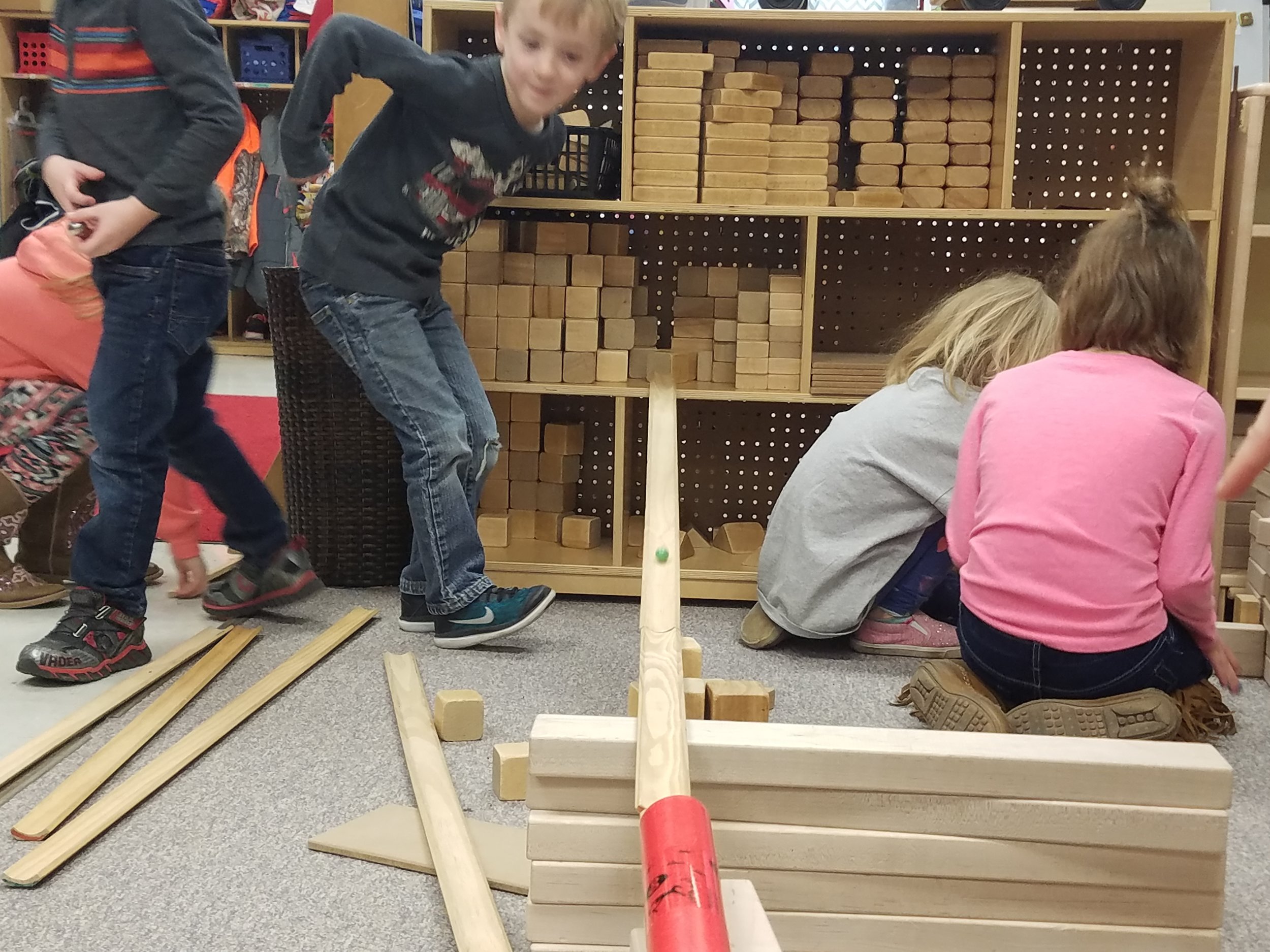
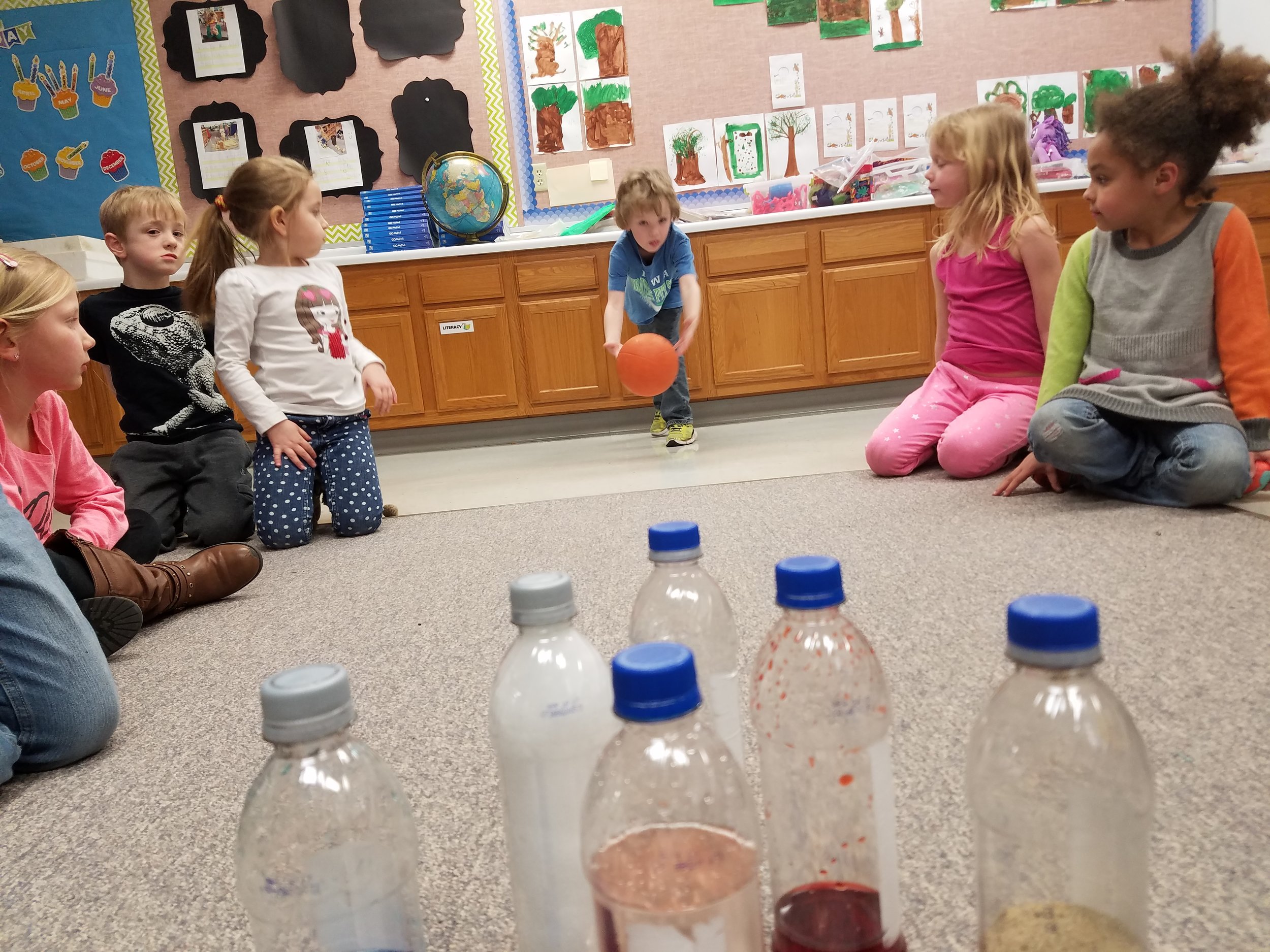

What is a STEM center?
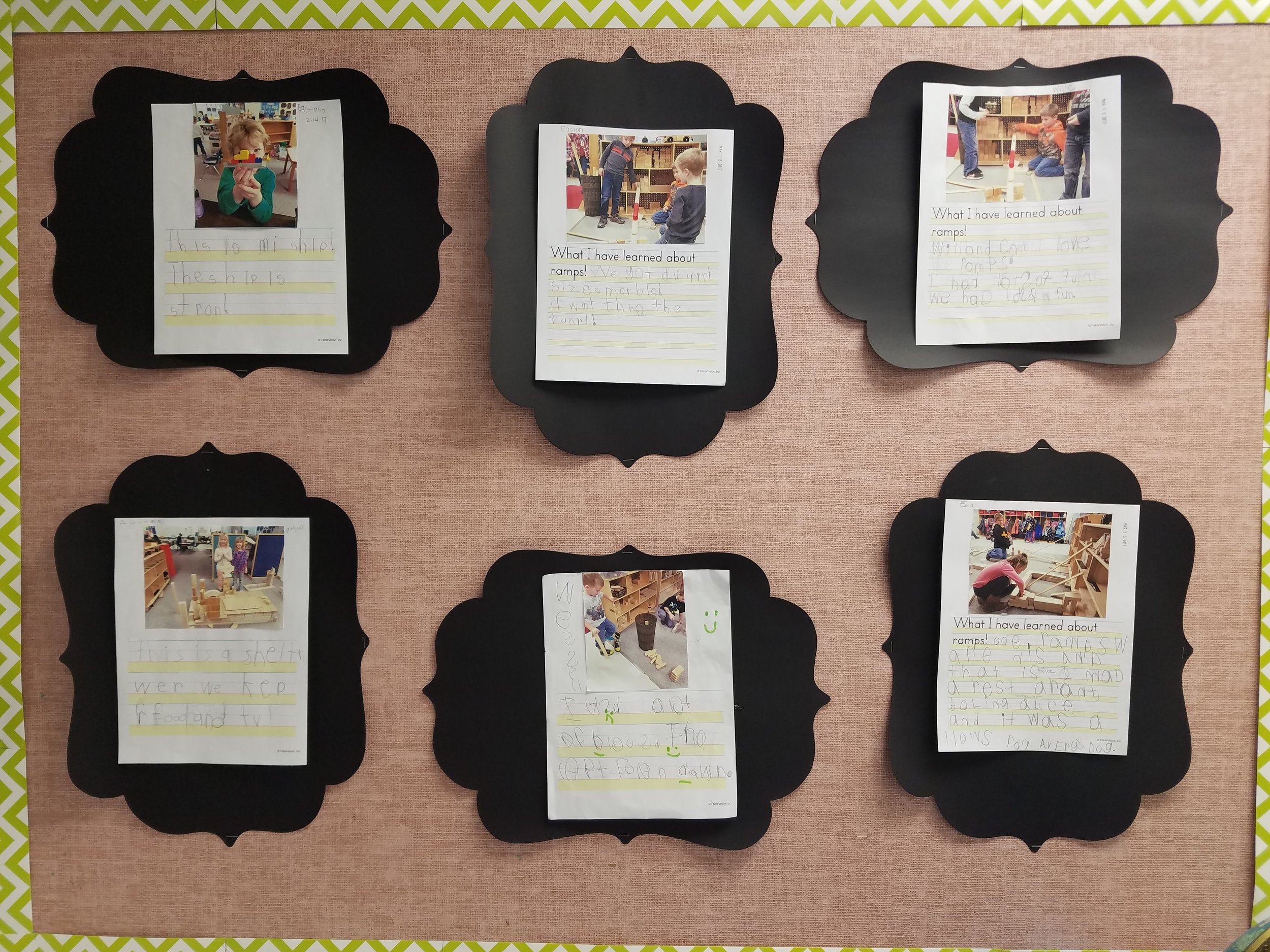
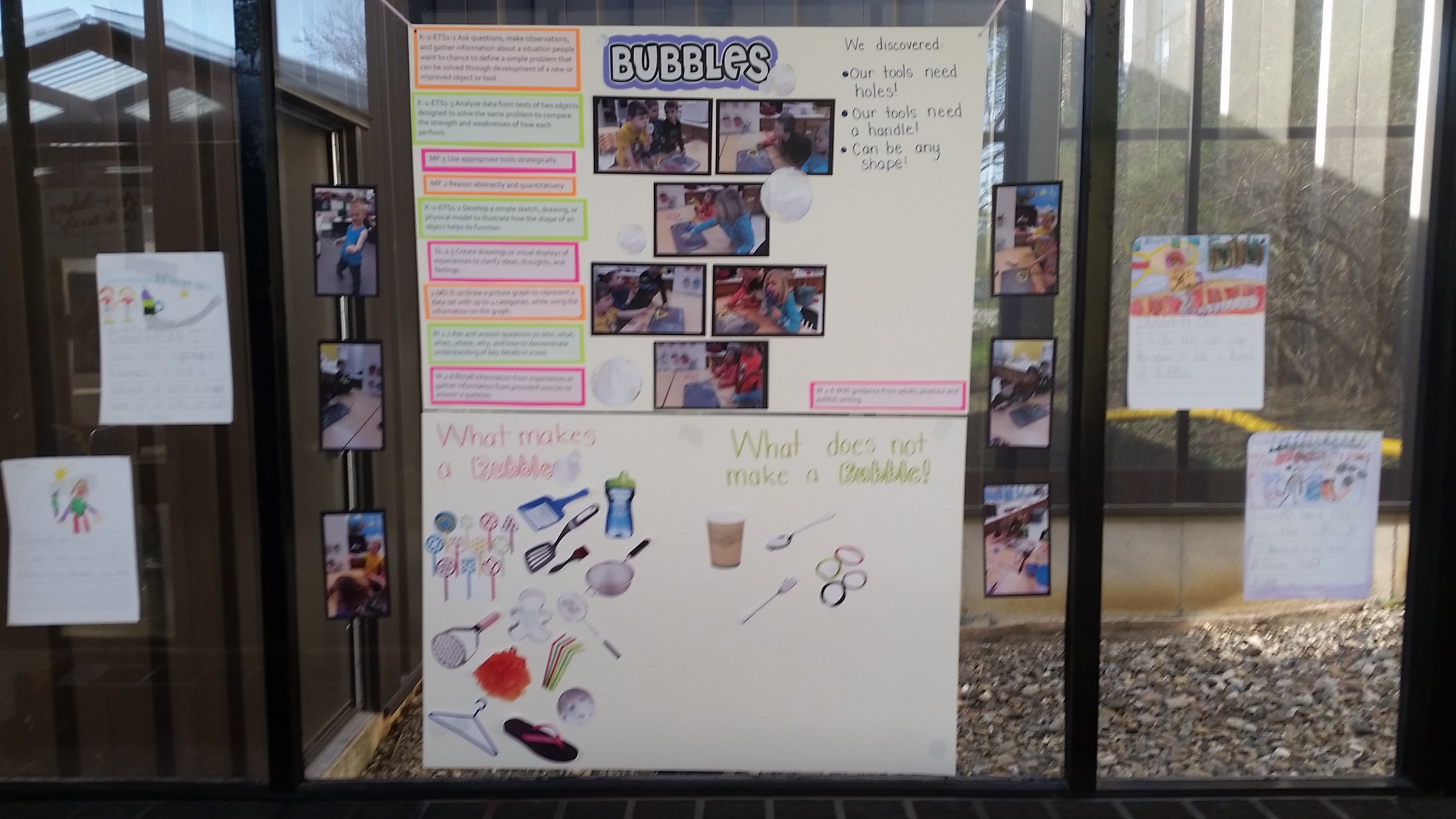
These centers are a great way to connect everything you learn in school together and spiral kids’ learning. We don’t have just science or reading time anymore. Let’s say we are meeting the standard ‘analyze data to determine if a design solution works as intended to change the speed or direction of an object with a push or a pull.’ We would, in our STEM investigation, build ramps and use different types of balls to conduct tests. We would also meet our reading standards by looking at different types of texts to support this and by dictating opinion pieces based off of the pictures we take of each others ramps. They become pretty big writing projects. So, STEM, to us in our room, is mixing all of our learning together to truly understand!
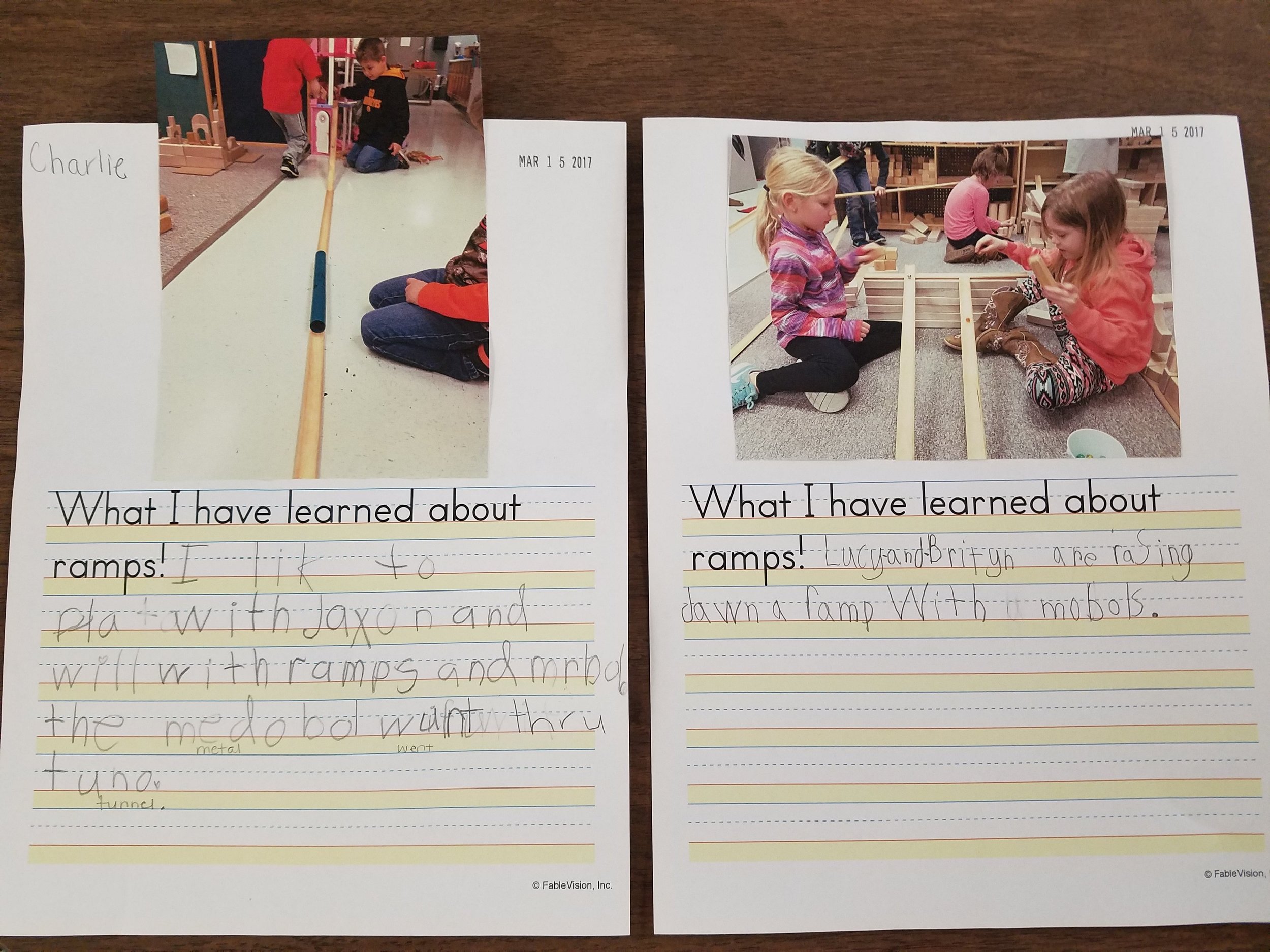
I hear you have some snazzy uses for Stationery Studio, can you share a few?
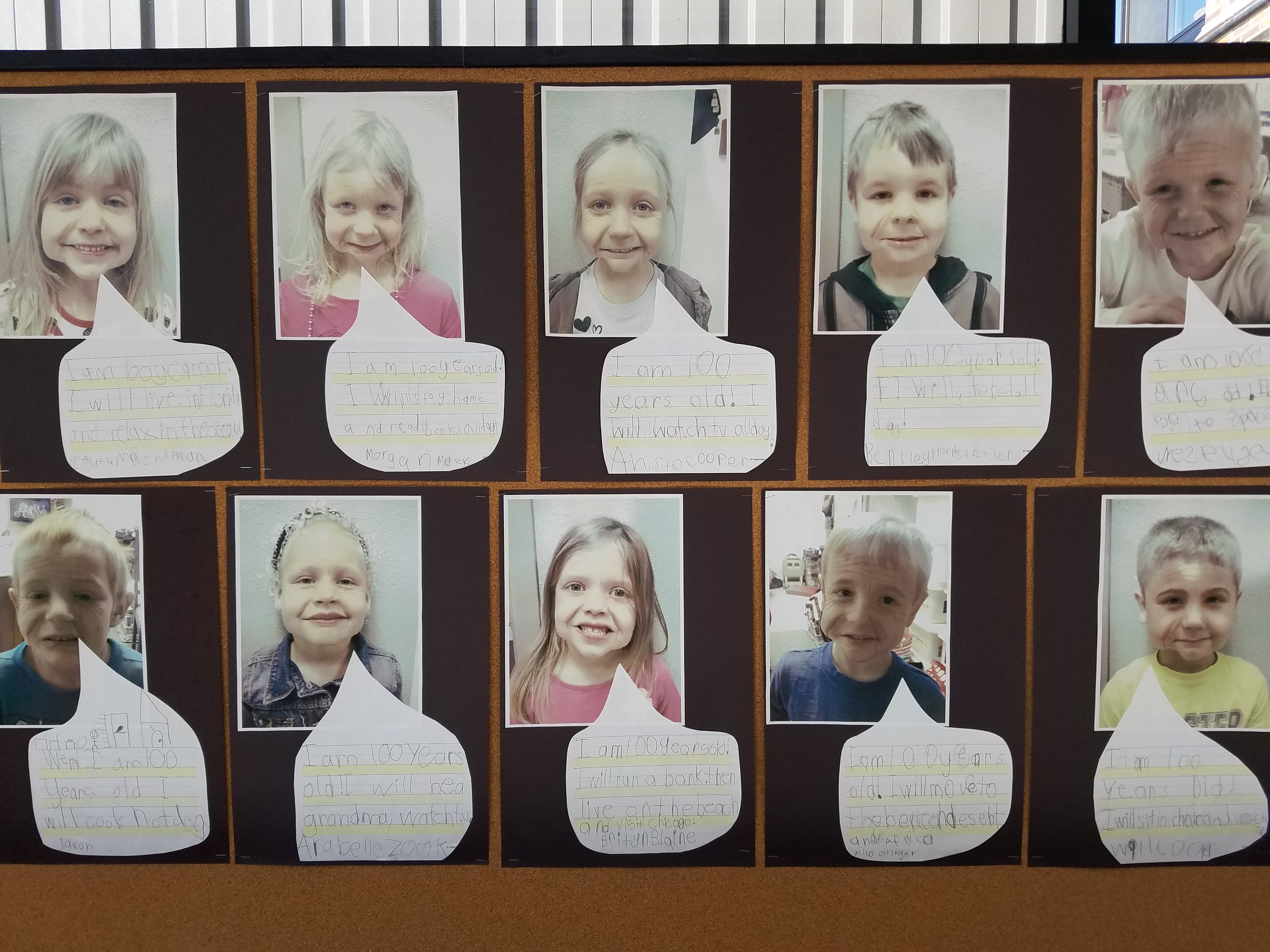
We use Stationery Studio almost daily! I use the software to create different styles of writing pages to encourage the kids to write and help them get new ideas. I also insert images that connect to a book we've read to help use continue to write about our findings. It is greatly beneficial to my students because they have writing lines (head line, belt line, and foot line) that help guide them to write legibly. With the fun pictures and borders, they are much more encouraged to write. When the kids take a picture of their creation or investigation, and we print it and glue it on the Stationery Studio paper, they feel great ownership!
Dot Day 2016 was huge at your school this year, can you share how your students got ready for the day?
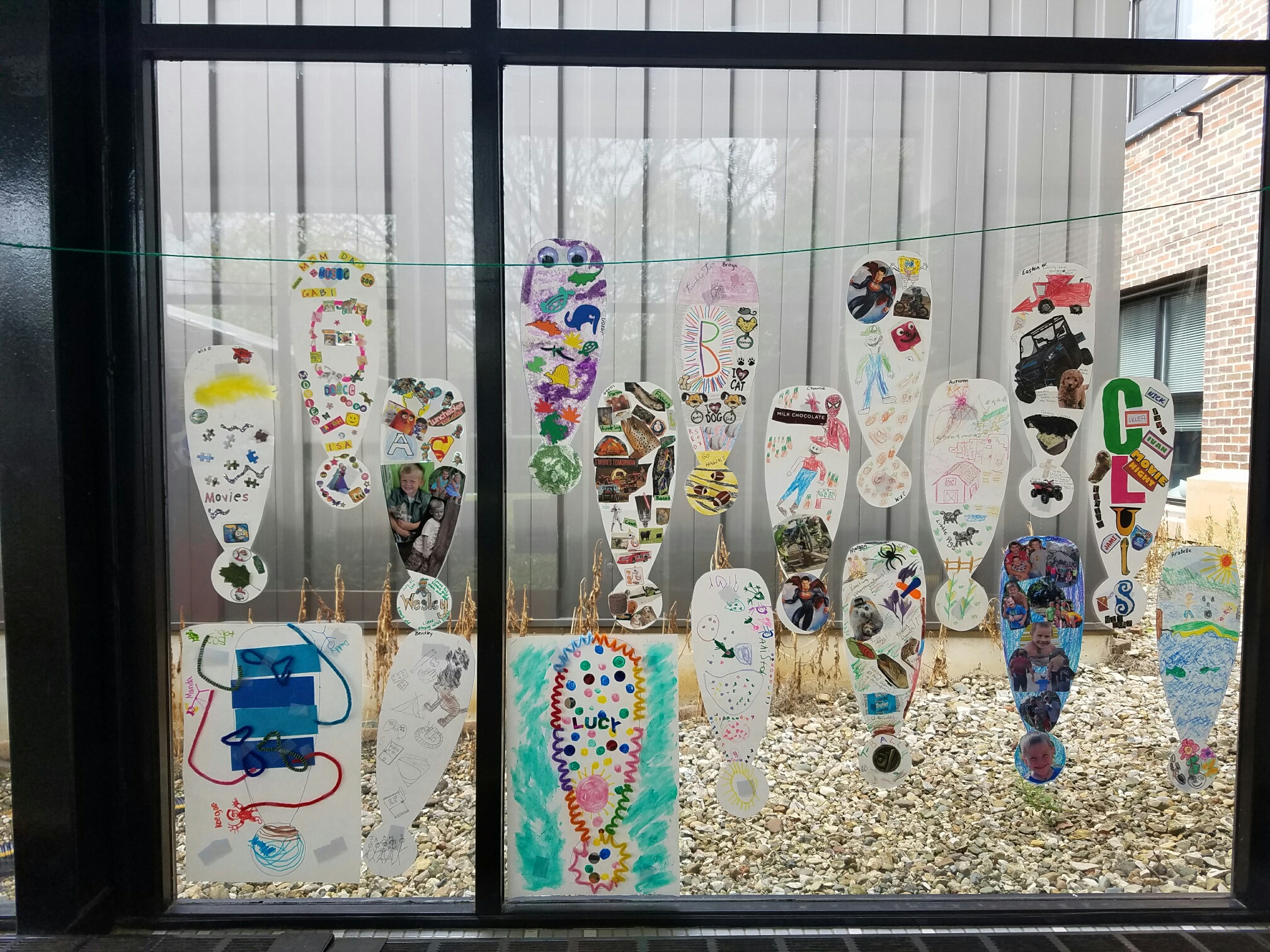
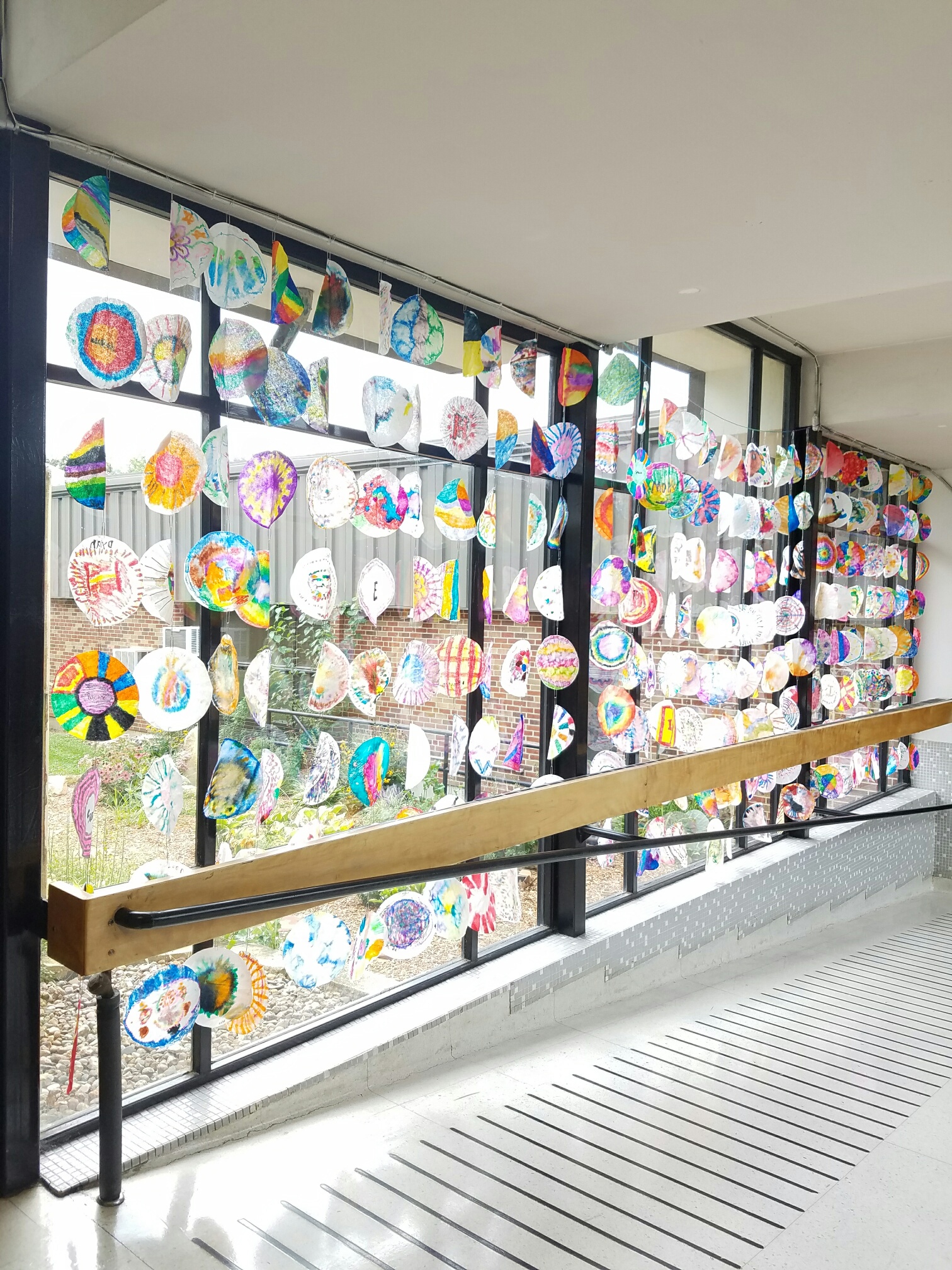
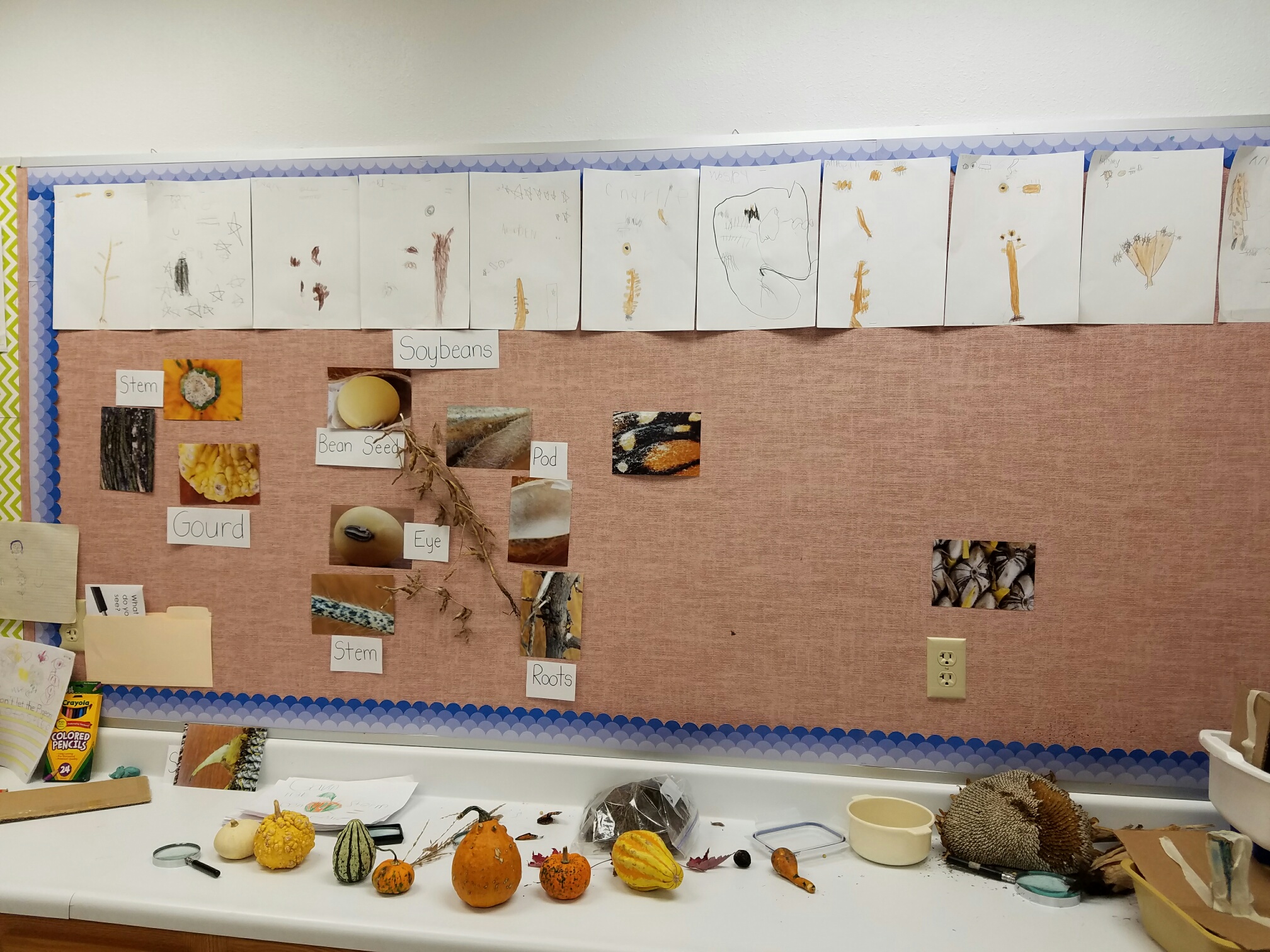
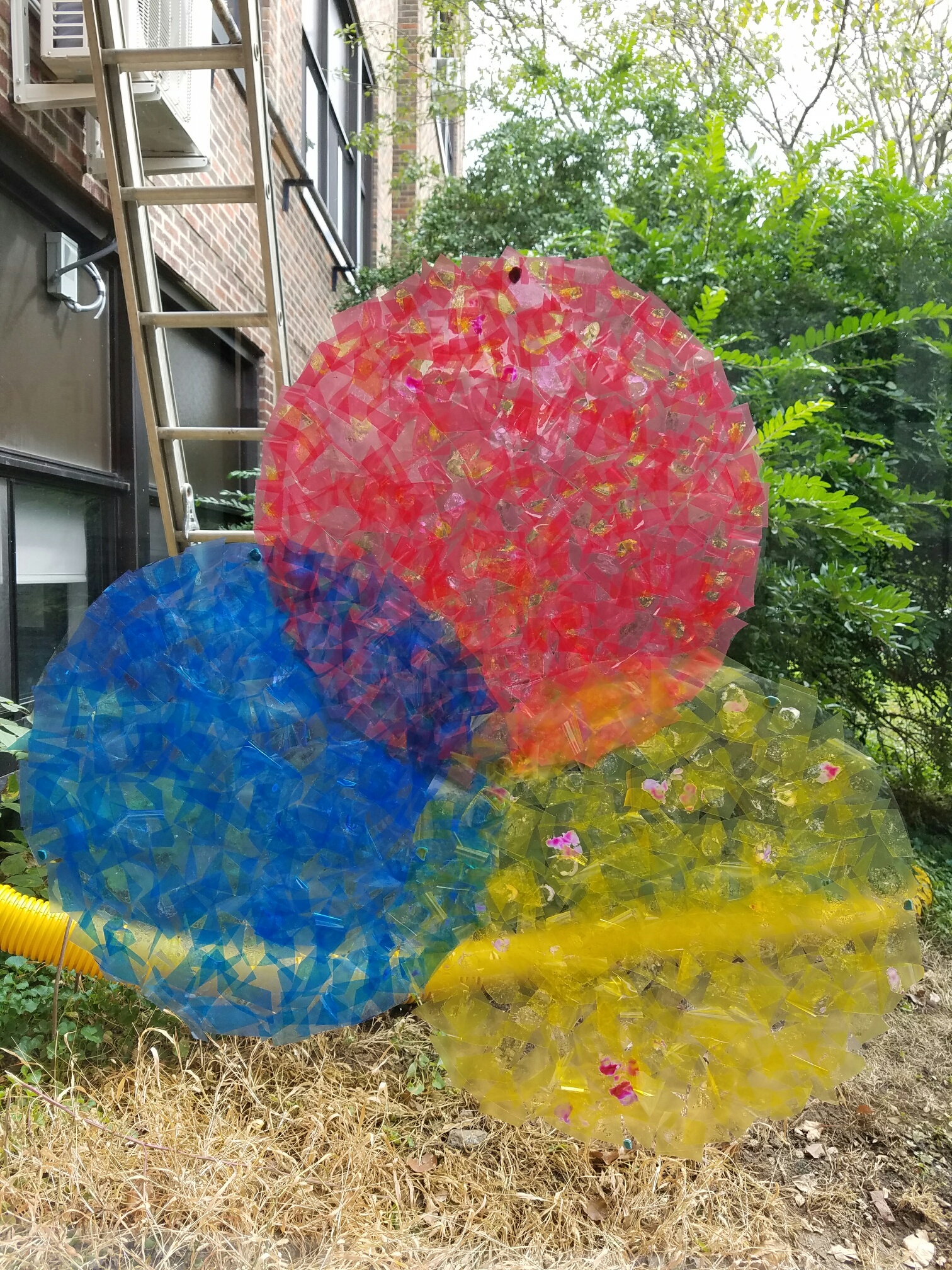
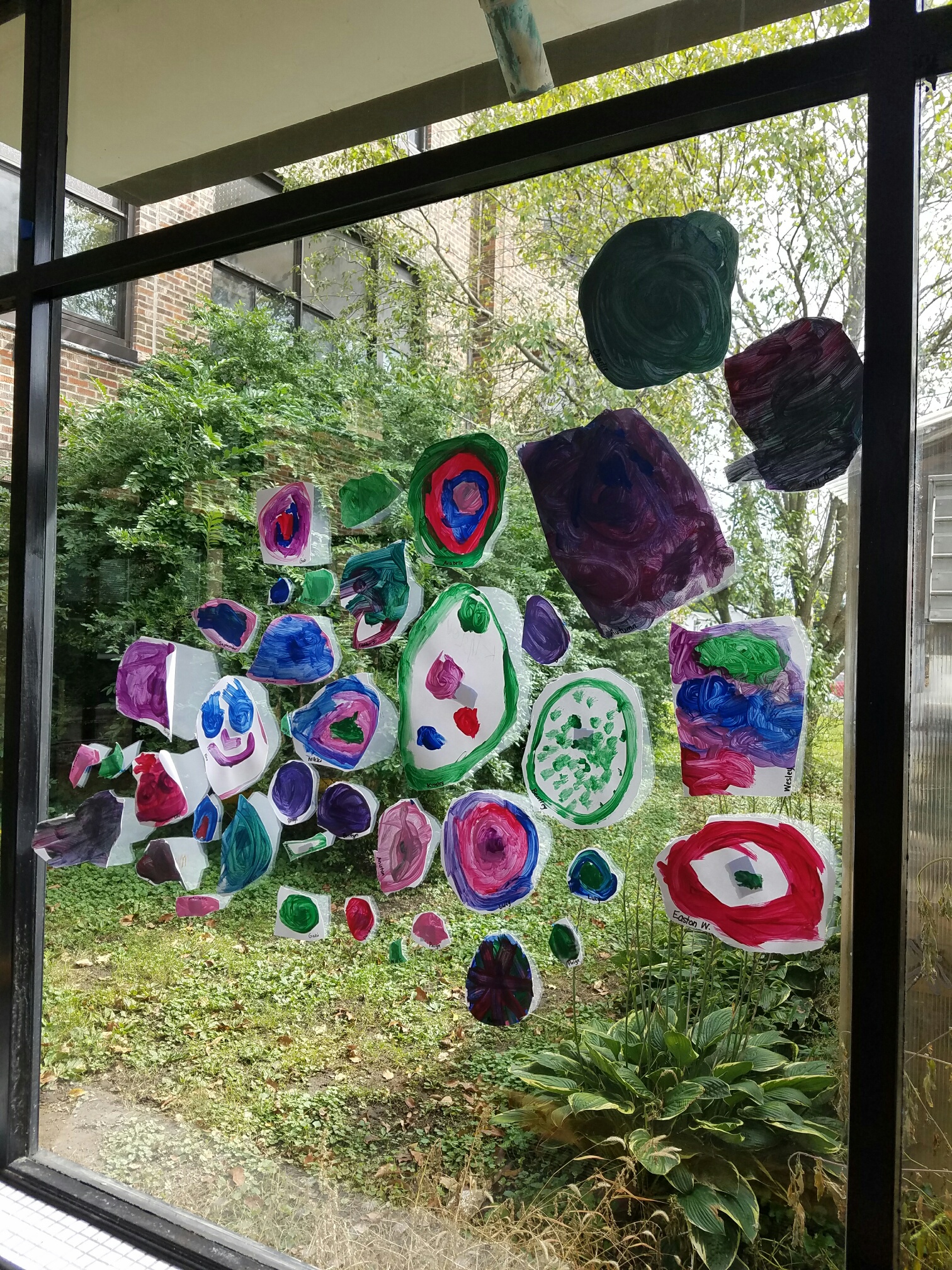
My students love International Dot Day! This celebration is new to them and we may have read The Dot about 20 times! Our students started learning about how special they are and how we are all unique. We brought in families to see how each family dynamic is unique. We also learned about mixing paint colors to make our own dot and tried to cut out a circle. We had fun decorating dots to fill our halls! As a whole elementary school, each student got to decorate coffee filters and hang them in our hallways to fill the windows. It was so beautiful! Our class also explored all of Peter H. Reynolds’ books, one being The Water Princess. We helped raise $50 for Ryan’s Well as we found it shocking that people in our world struggled for water every day.
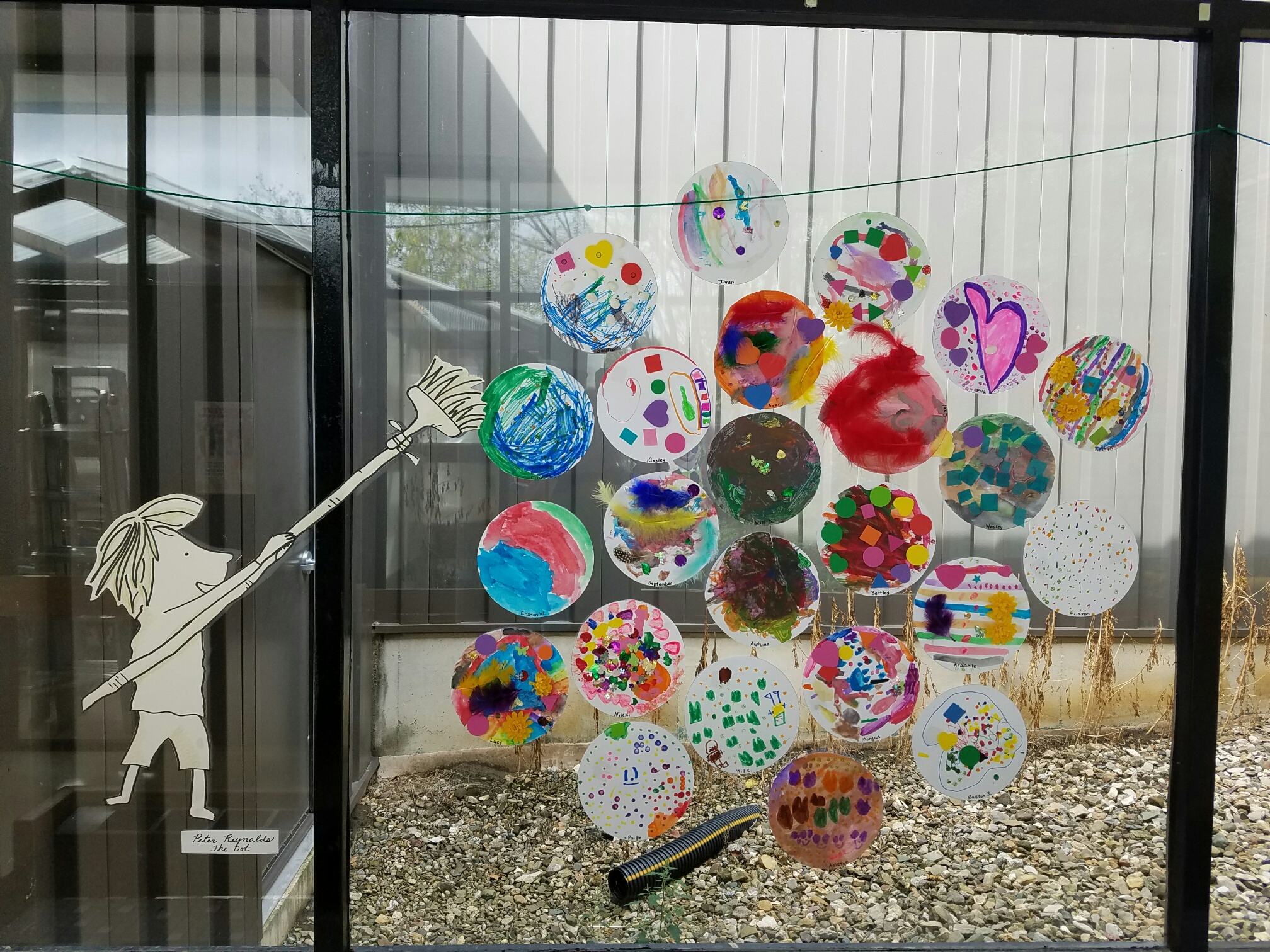
What was your favorite 2016 International Dot Day moment?
My favorite International Dot Day moment this year was getting Peter H. Reynolds into our classroom to talk to my students. Their faces were glowing! We talked about typical “kindergarten” things, like frogs and other random things. Mr. Reynolds drew us a new idea for a book called “Toad the Artist” because the students got stuck on talking about frogs and toads. We are currently working on creating this book! Peter H. Reynolds inspired a lot of people that day at North Tama.
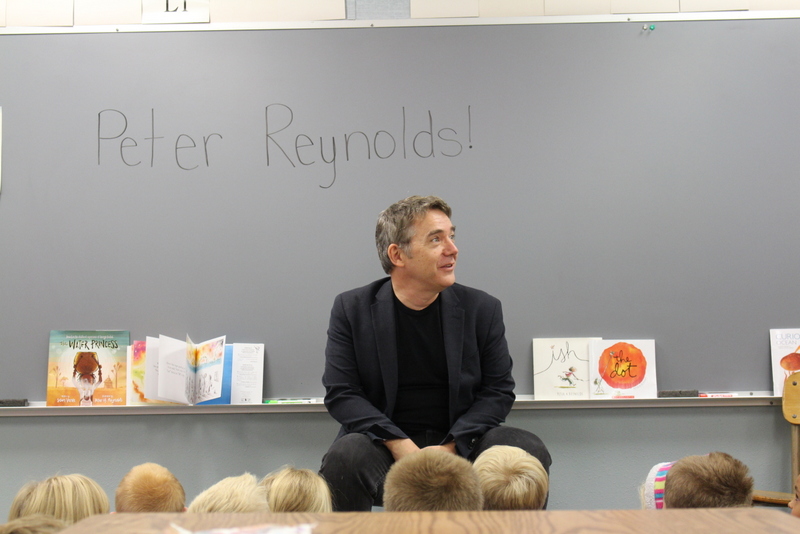
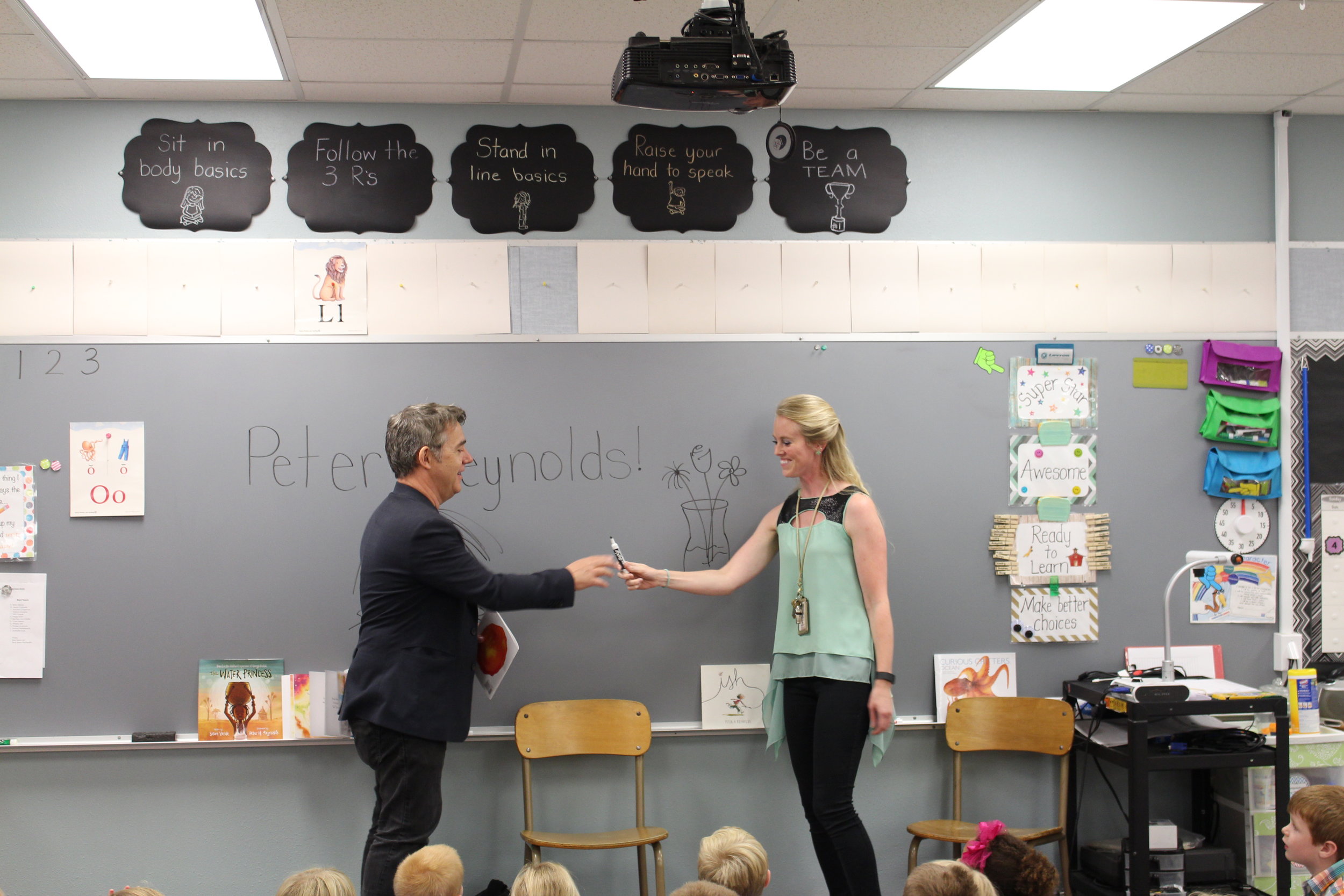
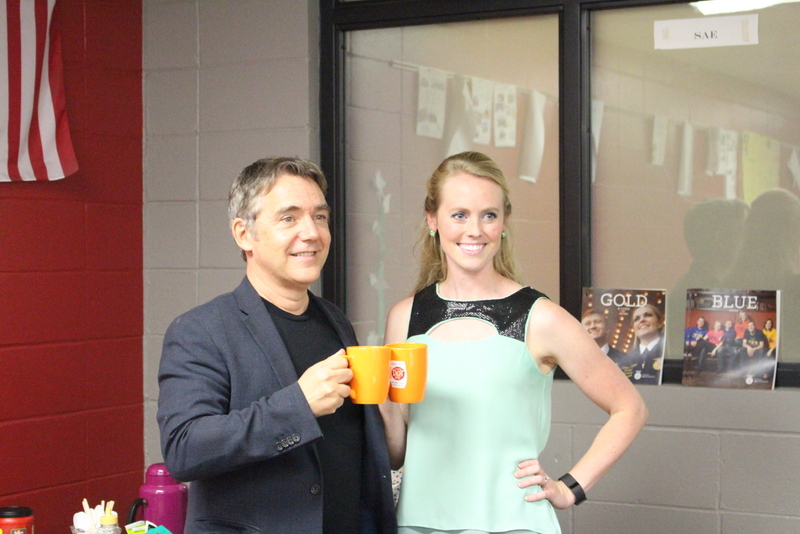
What has been your favorite moment as a teacher?
My favorite moment as a teacher is working with the kids. I love our Daily 5 centers because I get time to work with the kids on learning individual skills, making books, and writing letters that the kids want to create. We have also extended chapter books and had lots of fun together doing that!
You are new to the league of FableVision Ambassadors. What are you looking forward to?
I am always looking to learn! I am anxious to explore everything and to use what I learn with my kindergarten students. Always up for new things!
Are YOU – or someone you know - activating any of FableVision’s books, media, and/or software to approach learning in more creative, engaging ways? If you'd like to nominate someone for the FableVision Creative Educator Spotlight, click here and complete your submission electronically.

FABClassroom Spotlight: Arrowwood Elementary

From the library to the classroom, Arrowwood Elementary is a FABschool. Earlier this year the neighborhood school in Douglas County, CO added Fab@School Maker Studio, a digital design and fabrication program, to its STEAM curriculum. Recently, Dana Palmer shared a bit about how students are using the tool and the plans for the future.
As a STEM/STEAM teacher can you share a bit about the importance of introducing STEAM concepts in elementary school?
I was the "tech lab teacher" for the first 8 years of my career - straight tech lab activities devoid of creativity did not help students develop a deeper understanding of concepts. I found students cutting and pasting information from the internet directly into PowerPoint and calling it "technology integration.” They were unable to explain concepts in their own words; they were unable to relate concepts to their lives or other applications. With the hands-on creative approach of STEAM that I use, students are highly engaged and have a much deeper understanding of concepts.
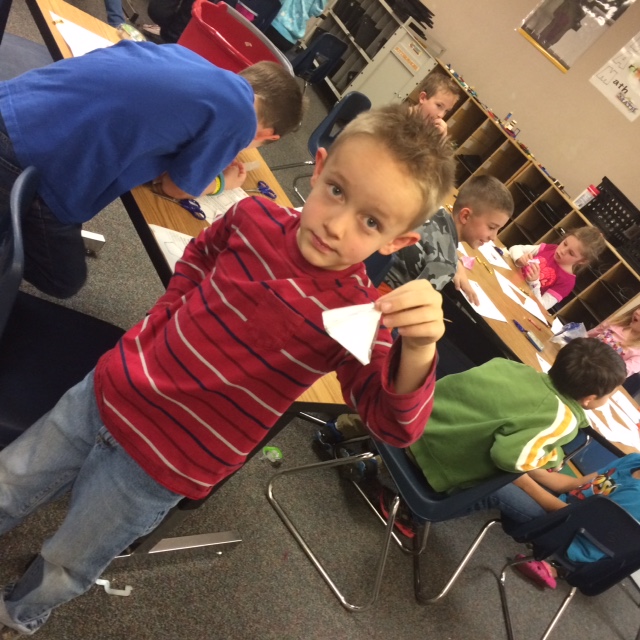

How are the students at Arrowwood Elementary School using Fab@School Maker Studio?
We are at the starting stages - our older students are creating manipulatives for younger students. We reworked an old lesson that used straws and pipe cleaners to make 3D prisms with Fab@School Maker Studio prisms created by students.
For our older students, they are learning to be creative and do for others-creating something another student will use to learn has been really exciting for them, and the younger students are receiving top quality manipulatives made by school mates.
What has been the “aha” moment?
When I looked at last year’s "prisms" compared to this year’s it is evident that they are accurate- having accurate prisms allowed students to better understand planes, vertices, etc...
They got the "correct" answer quicker and were able to understand the correlation between sides, vertices, etc..


What is next?
Looking to create a fabrication center in our library - great software - easy to get started with and reasonable equipment prices will make this a reality much quicker than I thought possible.
Is your classroom a FabClassroom? We would love to feature your school! To be featured in an upcoming post, send an email to info@fablevisionlearning.com. You can also tweet your photos with the hashtag #FabMakerStudio! For more posts featuring Fab@School Maker Studio, click here.
Peek Inside the Mind of Peter H. Reynolds with his Latest Book Happy Dreamer!

The following post was written by New York Times bestselling author/illustrator and FableVision founder, Peter H. Reynolds. His new book Happy Dreamer will be released on March 28, 2017. You can pre-order the book through the Blue Bunny bookstore, here.
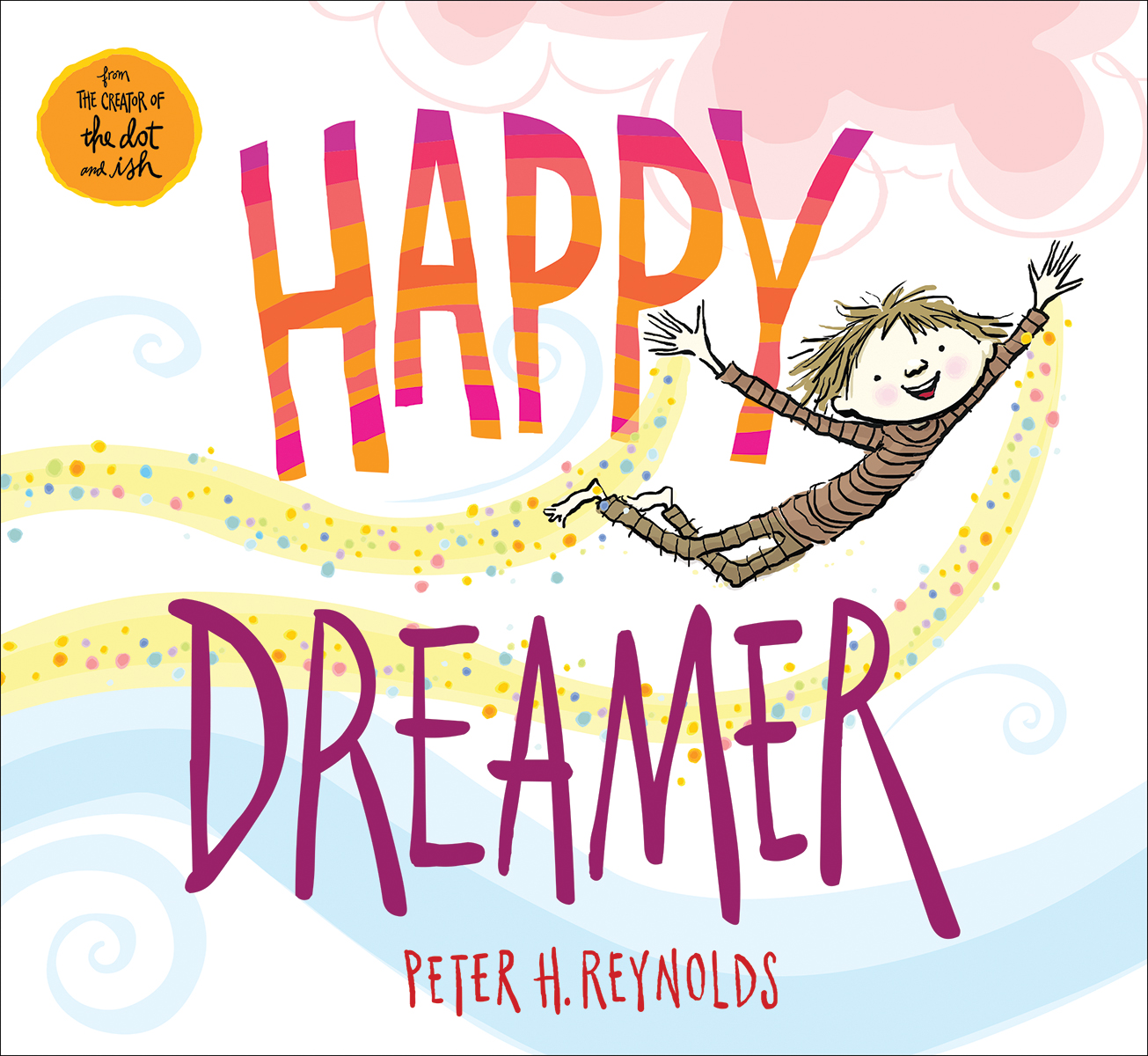
My book, Happy Dreamer was originally called Amazing, Delightful, Happy Dreamer. And yes, the initials do spell: ADHD.
The first spark of the book ideas were inspired while attending a learning difference conference at Harvard University where successful CEOs shared their challenging learning journeys in school, making it clear that their achievements were made because of their brains, not in spite of them. It was pointed out by the panel host that this group had all described attributes of ADHD as children. Those attributes sounded very familiar to me.
I thought for a moment, "I wish ADHD sounded like something you'd WANT to have!"
I took a pencil and wrote...
Amazing...
Delightful...
Happy...
Dreamer.
I went home and wrote a poem by the same name and that poem ultimately became this book.
HAPPY DREAMER
I wrote Happy Dreamer for kids (and grown up kids) like me. This really is my story. A peek inside my mind to share how my brain works in its own wild and wonderful way.
It wasn't always easy having a brain like mine though. While I was never officially diagnosed with ADHD (it was a term that would not be used widely until a decade after I was in elementary school) I do believe that as a child I had experienced many of its symptoms.
I wanted to send out a hopeful message that kids who are diagnosed with ADD or ADHD that they have a gift, not a label. That their minds are very special. That they are "delightful dreamers." Their brains are capable of being flexible, generous, nimble, and inventive. Their kind of thinking is to be understood, nurtured, accommodated and CELEBRATED!
Growing up, I was dreamer. A day dreamer. Night dreamer. I had a super-charged imagination which kept my brain very, very busy. SO many ideas which was probably the impetus for me grabbing a pencil and starting to capture these thoughts and images on paper with words and art. Outside of school, it really wasn't a problem. I grew up in a big family. Seven people roaming the house doing chores, hobbies, but at night we would gather together at the dinner table to share stories. It was a busy, noisy house and I loved it that way. All the energy and buzz. In school, however, it was a different story. I found it a bit of a shock to stay put in one chair for most of the day. Learning to focus on the lessons were sometimes a big challenge for me. I was not encouraged to capture any of my racing thoughts on paper. I was in fact, discouraged from doing it.
"All eyes up front."
"Mr. Reynolds, do not draw in my class. You can do that after school."
"This is math class. Not art class. Put that away."
I was an agreeable, friendly kid eager to please, so I did my best to comply and control my buzzy-brain. It was not always easy. Every so often, I found a teacher or an activity that tapped into that special brain of mine and WHOAH! Like my 7th grade math teacher who asked me if I could teach math by using art, story and animation. It was magic. I was in my element. It was an AMAZING feeling. Happy. Delighted. My Dreamer brain was engaged—and I was ME.
I hope this book speaks to you, your family and friends. May it reassure you that good things are ahead for all us dreamers.
And in fact, I do believe that if we are to solve some of the planet's biggest problems—we can't keep trying the same solutions. We must invite inventive, flexible minds to the table. World problem solving aside—if this book encourages my readers to simply be happy with themselves, then I'll sleep—and dream— better at night.
PHR
In the Boston area? Join us for Happy Dreamer book release party at the Blue Bunny Books & Toys, on Saturday, April 1, 11-1 p.m, located at 577 High St, Dedham, MA 02026. For more information, click here.

For inspiration on how to bring Happy Dreamer into your classroom, check out the Happy Dreamer Classroom Kit.

Geometric Storytelling Dice with FabMaker Studio

“Storytelling is the most powerful way to put ideas into the world today.”
It’s rare that any story will emerge fully-formed. Ideas usually come bit by bit and often rely on inspiration and spontaneity to develop. Physical objects can help tactile and kinesthetic thinkers manage their ideas. Let’s jump into FabMaker Studio to create story dice that enhance the creative brainstorming process.
Step 1: Building the Cube
Let’s get started by constructing a cube net in FabMaker Studio. Not sure how to begin? Check out the Cube Net Step-by-Step Project for an introduction to creating 3D cubes. For more tips on creating a cube in FabMaker Studio check out this video.
Step 2: Adding Story Elements
Now that we have the basic cube net laid out, let’s add storytelling elements to each face of the cube with the Text Tool and Library Images.
Place text onto your cube by opening the Text Tool on the top toolbar and then clicking on the page to create text boxes to type in. Add clip art by opening the Library on the top toolbar and selecting art to place onto the page.
Tip: Turn off the Magnetize tool so the text boxes and images do not snap automatically to the edge of the squares.
Step 3: Design Glue Tabs for Assembly
Your students can choose to either tape the edges of the cube together, or add tabs for glue. The Cut Fold Tab tool is perfect for adding tabs. When working in the classroom, students will often ask me where they should put their tabs. My favorite response is “everywhere!” For this cube, students can put tabs on every edge and then tear away the ones they don’t need when they are assembling.
There is also another solution inside the program - the 3D Viewer! Encourage your students to use the 3D Viewer to help visualize how the cube will fold and which edges will touch each other. You will want one tab for each pair of touching edges. Here are two possible tab layouts - there are a lot more out there to find!
For information on the how the Cut Fold Tab tool works, check out the Cut Fold Tab Tutorial Video.
Step 4: More Cubes!
Now that your students have constructed their first cube, let’s duplicate the design onto another page to make more.
With the Select Arrow, click and drag a box around the entire cube to select it and then click Copy. Create a new page with the Add Page button on the bottom toolbar and, on the new page, click Paste to place another cube.
Invite your students to add actions, nouns, and transitions to their new cubes. The story possibilities are endless!
Step 5: Print, Fabricate, and Assemble
When your students are ready to “roll” with their design, follow the Fabrication Quick Start Guide to create the physical paper cube.
Hot off the press, it’s time to assemble the dice and roll out a new story!
"We thought it was over when the Dinosaurs stole the Statue of Liberty... BUT THEN-"

Do More! Experiment with other geometric shapes and game design

You can experiment with the other dice forms shown above by looking in the FabMaker Studio Pre-Made Projects library, under the tab “3D Stuff” (see right).
The project is called “Dice Set.”
The small, decorative elements on the side of the dice were also made in FabMaker Studio - created with the Shapes tool, and scaled-down to a miniature size.
You can combine them in multiples to make a standard, number-roll dice.

You can also design your own, themed game with your custom dice, and use this Design-your-own game board printable! (Shown bottom right.)
Constructing 3D shapes is a moderate challenge, but it is always possible to apply these ideas to a simpler design. You can try making 2D story cards instead of 3D shapes, or try designing a moving object like a spinner wheel for an extra twist.
Classmates can work together and combine their creations for an extra boost of inspiration, and teachers can fit these games into their existing curricula!
How are you using Fab@Maker Studio? We'd love to share YOUR tips and ideas! Send your photos to info@fablevisionlearning.com, or post them and tag us, @FableLearn, using the hashtag #FabMakerStudio for a chance to have them featured on our blog!
FableFive: William Levin, Creative Consultant with FableVision Learning

From the studio to the classroom, William Levin loves animation. As a creative consultant with FableVision Learning, William brings his wealth of experience to the students in New York City’s District 75 as he guides them through making their stories move in Animation-ish. For this month’s FableFive we connected with William to share a bit about his work with D75 and beyond.
1) You have quite a resume; can you share a bit about your work in media? Maybe a fun story?
Over the years, I’ve found myself creating animated shorts for some interesting clients, with diverse audiences ranging from Sesame Street to The New York Times. I love developing characters and telling stories, which is a challenge to accomplish within the few minutes my cartoons usually lasts.
A few years ago, as a big fan of the Battlestar Galactica reboot series on the SyFy Channel, I contacted prolific series composer Bear McCreary to ask if I could interview him for a new cartoon pilot I was pitching called "He Shoots, He Scores."
Surprisingly, not only did McCreary respond to my inquiry and agree to participate, but he generously composed an original score for the cartoon! Soon after, McCreary won a Primetime Emmy. Coincidence?
2) What is the role of animation in the classroom?

Animation can be used as a versatile tool in the classroom. Besides artistic expression, animation also helps students understand movement (physics), calculate timing (mathematics), tell a story (language and vocabulary), work as a team and develop computer skills. In some cases, animation can be therapeutic, especially for students who have difficulty with traditional educational methods.
3) Rumor has it you’ve been working with students in D75 and the Microsoft Store, can you share a bit about this partnership and what you’ve been doing?

Since 2013, I have had the privilege of visiting D75 schools to teach special education teachers and students how to animate with computers. This year, FableVision Learning was fortunate to partner with Microsoft to bring the program to their flagship 5th Avenue Microsoft Store in the heart of midtown Manhattan. Twice a month, up to 24 students are bussed in from schools in NYC for a morning of learning FableVision’s Animation-ish software. The store provides the students with fantastic Surface Pro 4 tablets and digital styluses, and I present on a ceiling-to-floor display in the private third floor workshop venue. All the while, we are surrounded by cool sci-fi decor that creates an atmosphere of being onboard a spaceship. Virtual reality demo stations and glowing computer panels provide an inspiring backdrop for creative learning!
4) What has been one “aha” moment this year working with students and Animation-ish?

Many teachers have warned me about particular students—or entire classrooms—apologizing in advance for the disruption they are sure to cause during our animation class. In the four years I’ve been working with D75, not once has there ever been an issue of misbehaving students. In fact, many times those students about whom I received the strongest warnings turn out to be the most talented and ambitious artists. I’ve learned that if you put a new creative tool in the hands of a child, you will always be pleasantly surprised with the results.
5) Can you give some tips/advice for aspiring animators?
My most fulfilling work has always resulted from reaching out directly to someone and asking if they’d like an animation. If I send an email to 50 people, I might hear back from 5. And of those 5, one will take me up on the offer to produce an animation. Repeat this process as many times as it takes to make a living.
